Create Your Account & Get Started with Microgreen Manager
Welcome to Microgreen Manager!

Written by Garrett Corwin
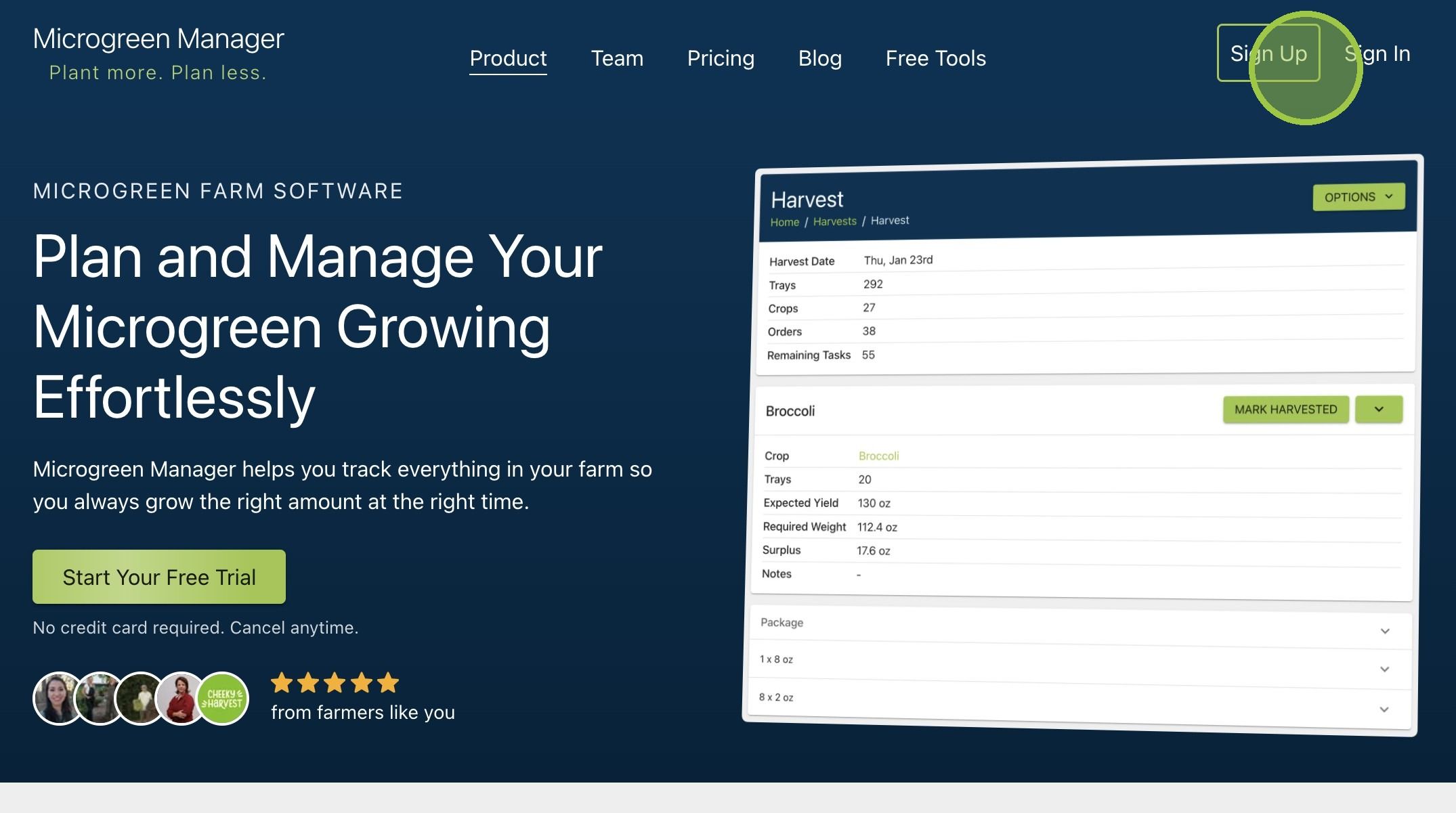
Last updated1. Navigate to https://microgreenmanager.com/

2. Click "Sign Up"
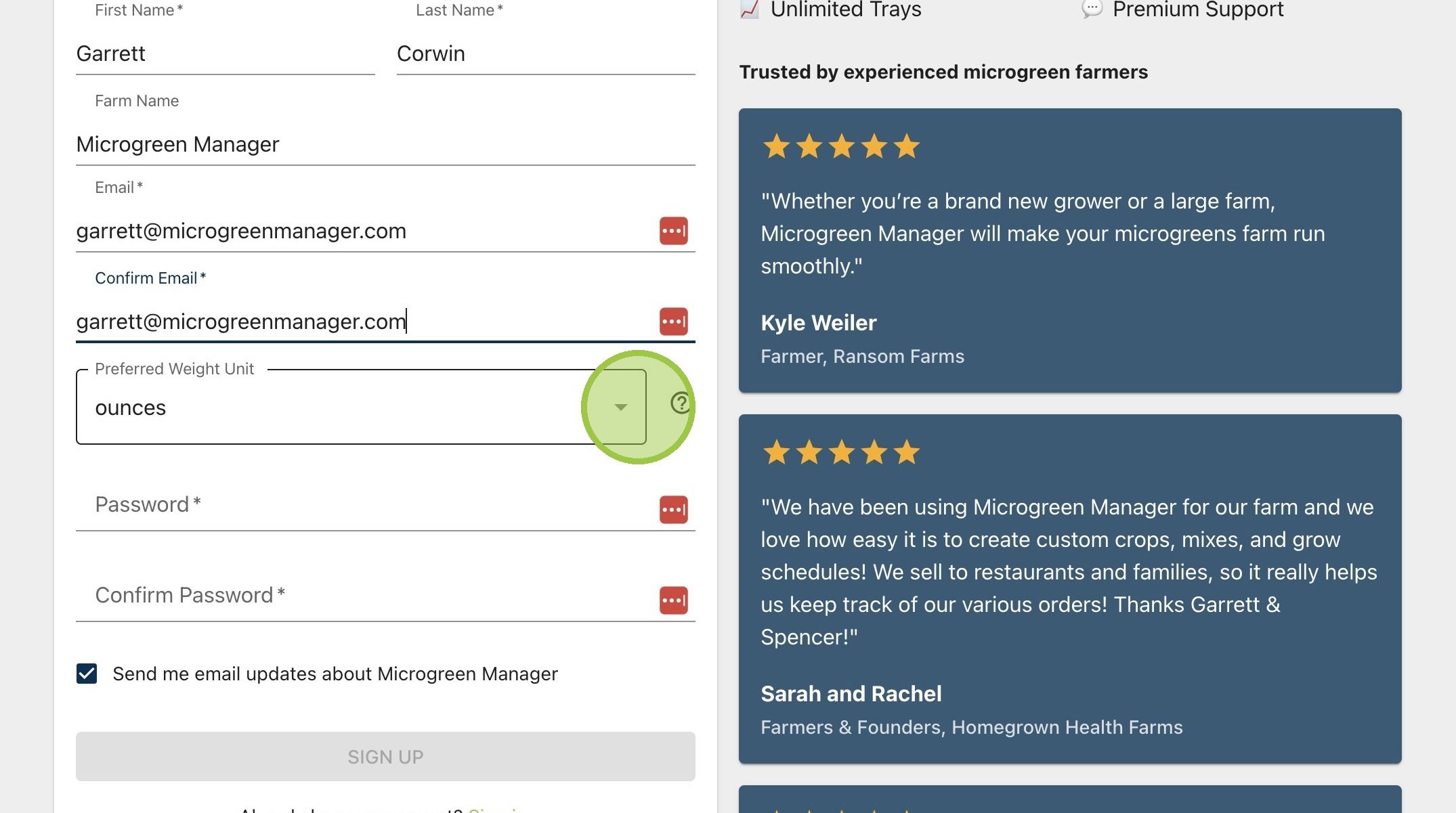
3. Enter your information

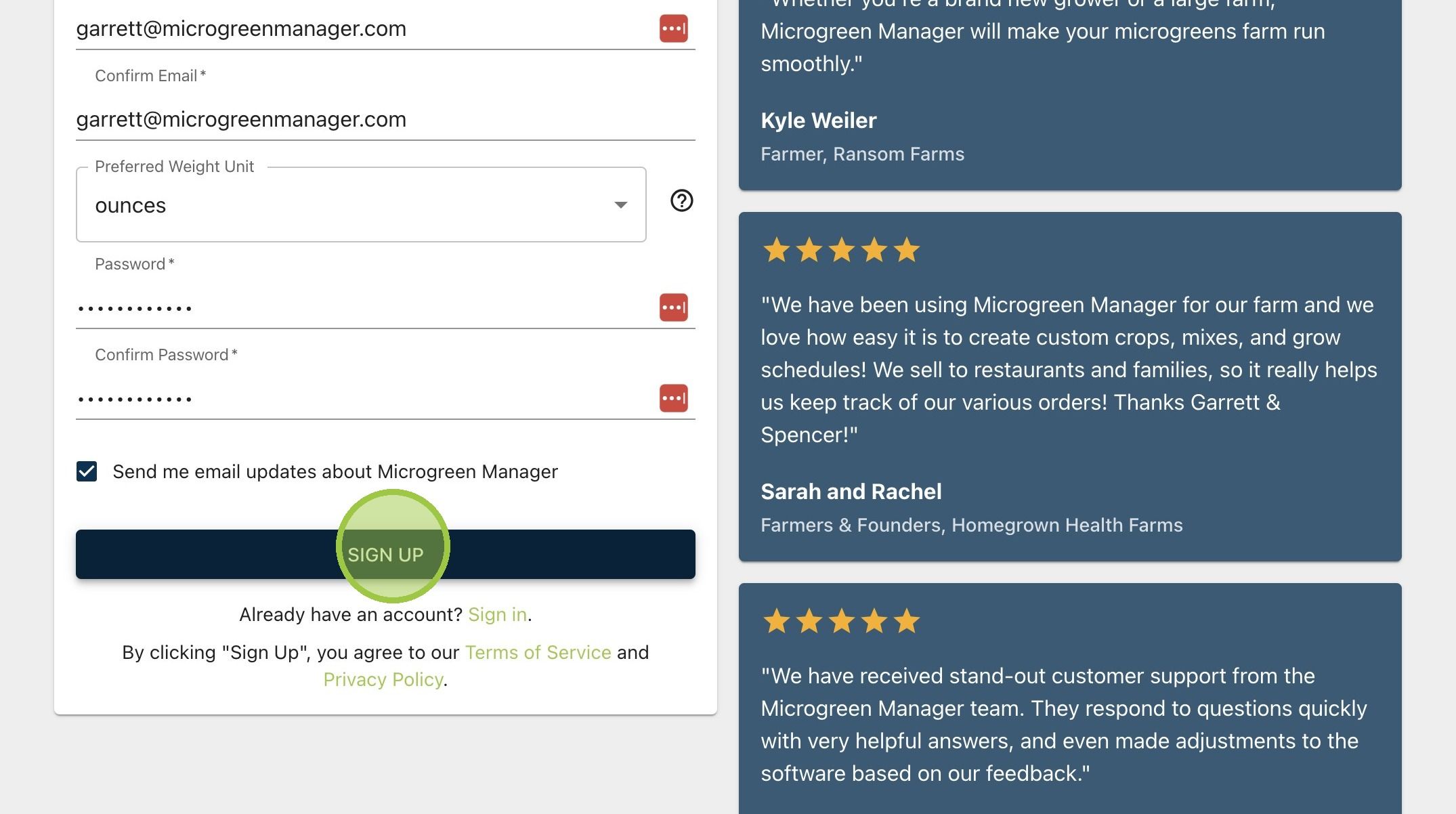
4. Select if you want your default units for weight to be ounces or grams
5. Enter a password

6. Decide if you want to receive update emails from the team at Microgreen Manager
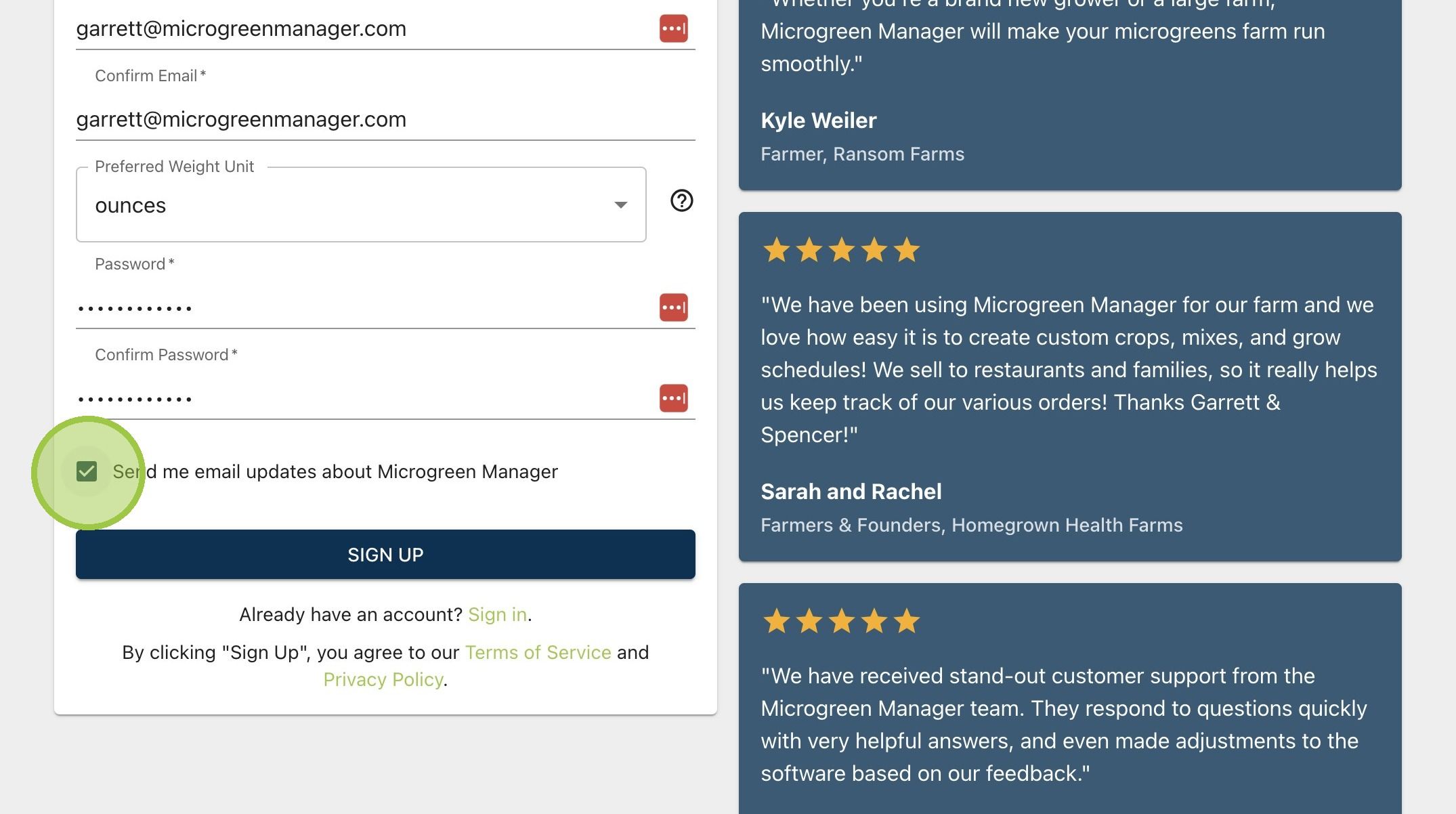
7. Click "Sign Up" to confirm your registration
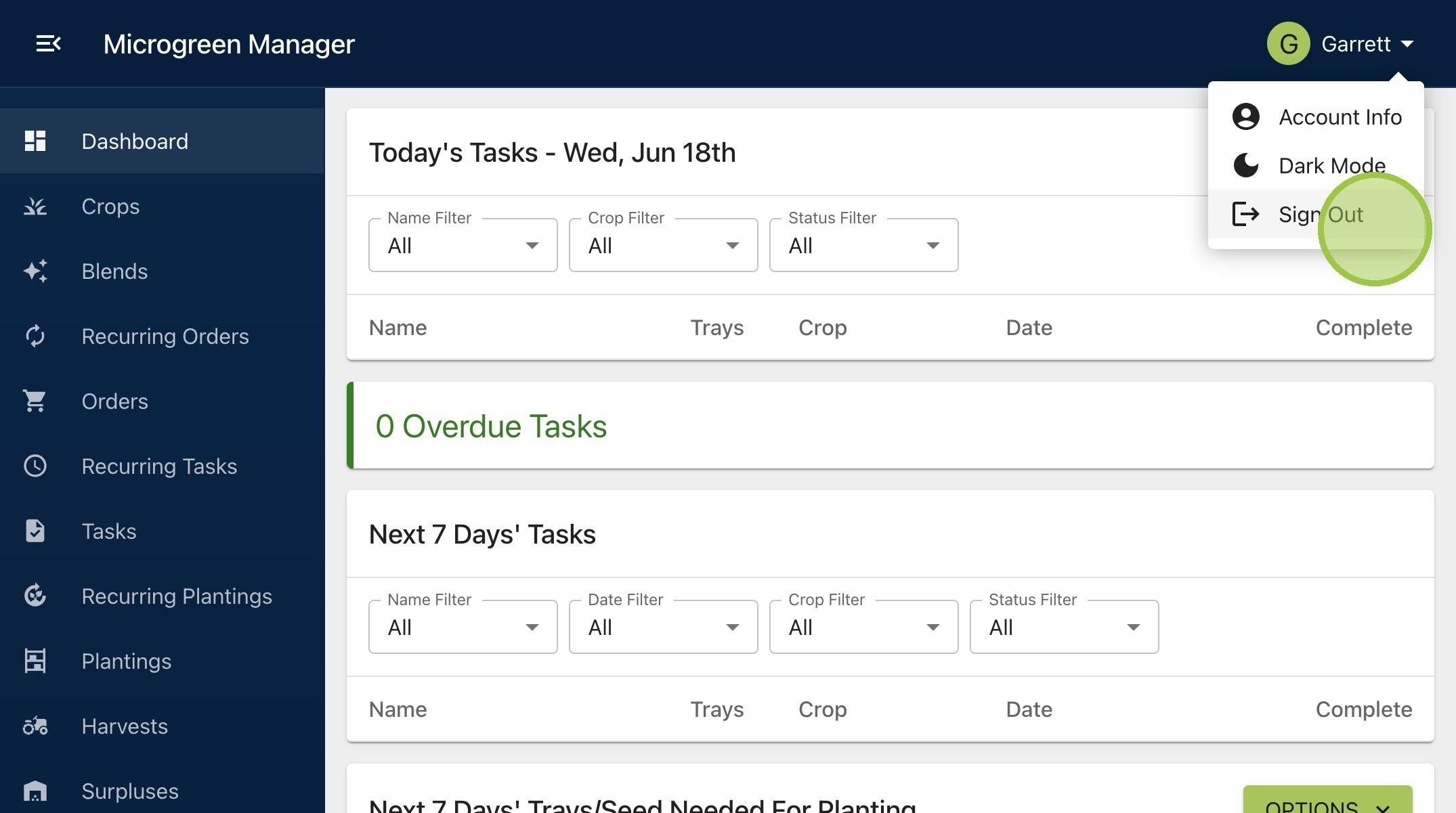
8. After confirming your registration, you'll automatically be logged into your new account. Sign out and sign back in if you want to test your new login credentials. Welcome to Microgreen Manager!