How to Increase Trays in a Planting Group
Learn how to add trays to an existing planting group when demand increases. The system automatically recalculates yields and downstream tasks.

Written by Garrett Corwin
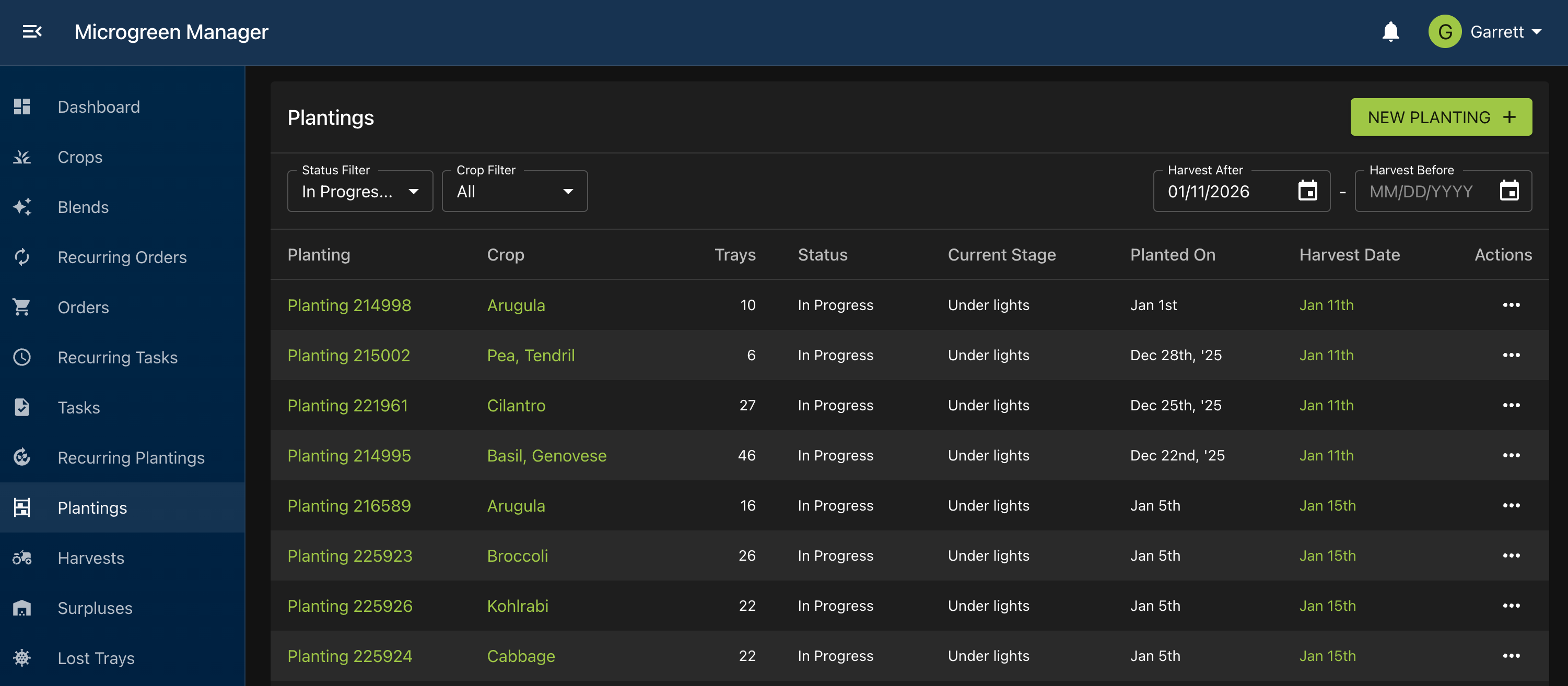
Last updatedFind the planting group you want to adjust
Open the profile for that planting group
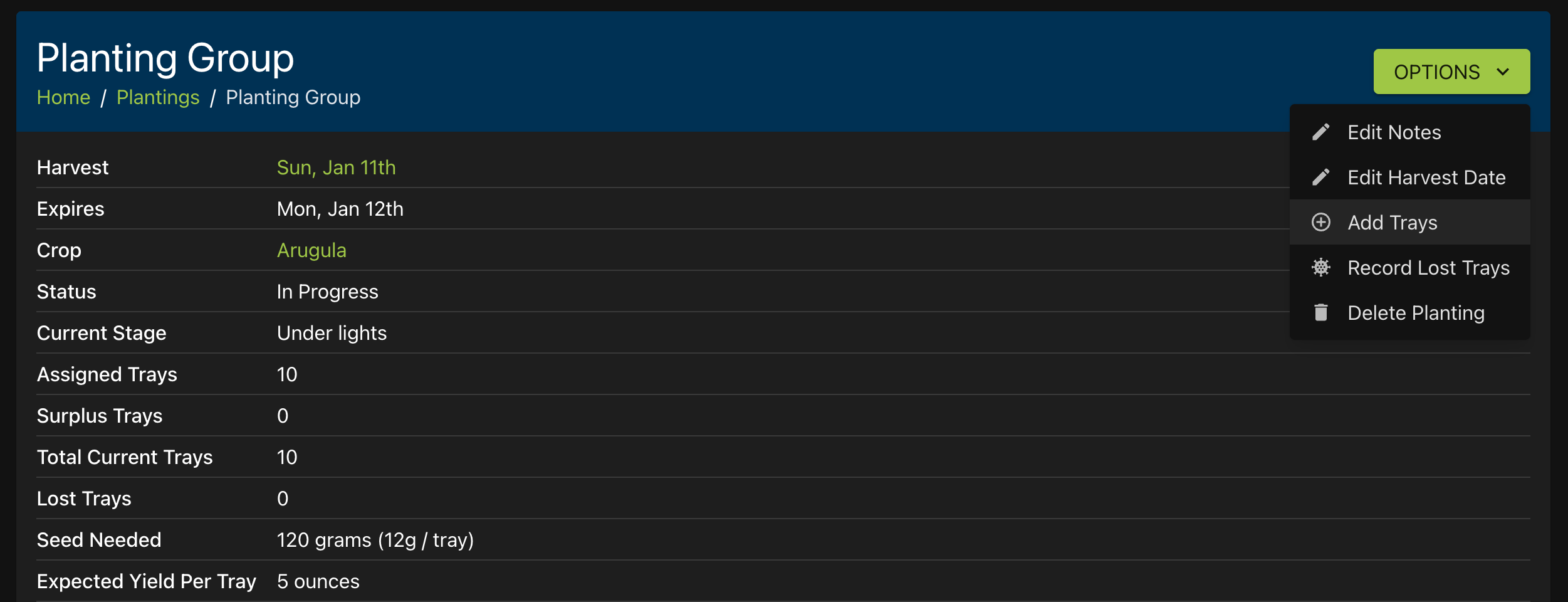
Click “Options” in the upper right corner. Select “Add Trays”
Enter the number of trays to add to the planting group. Click “Submit”
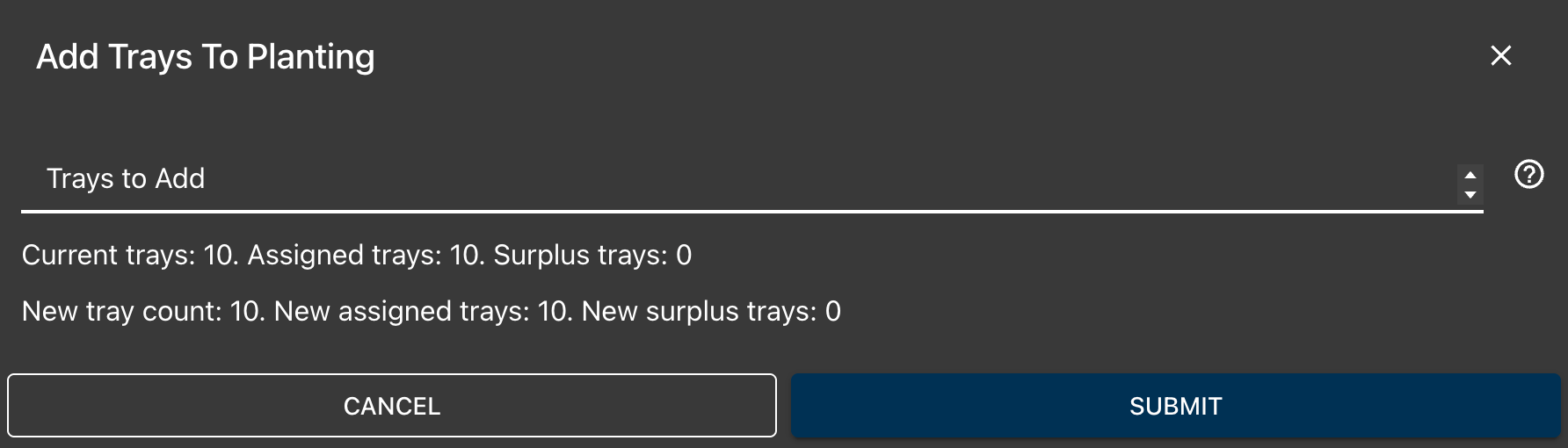
The added trays will not be assigned to any orders. They will go straight to surplus. Use this feature to override the existing calculated tray count to better reflect the actual state of your farm