How Do I See Future Harvests?
This guide helps you find your upcoming harvest. You can also preview the size and involvement of each harvest.

Written by Garrett Corwin
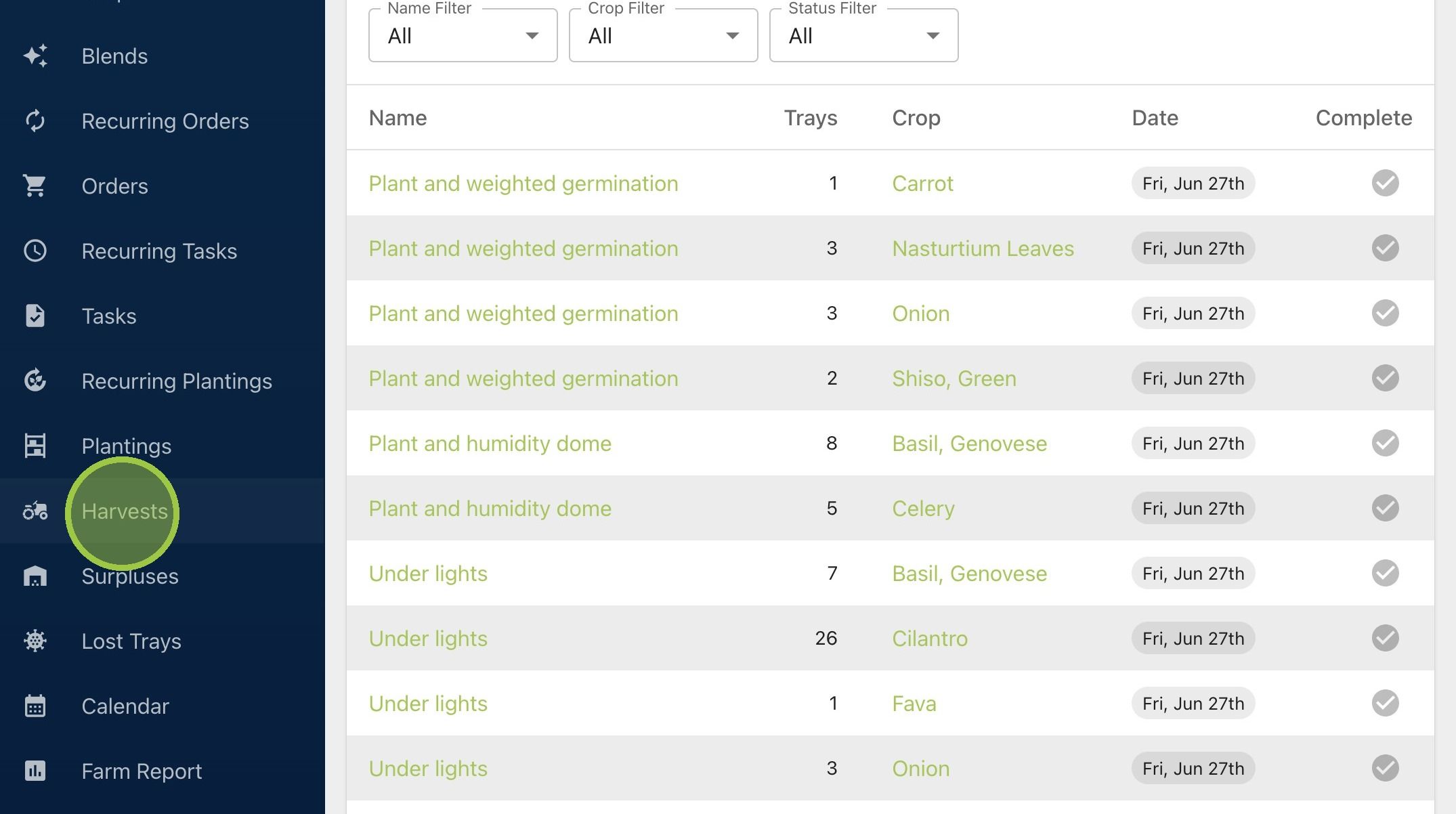
Last updated1. Click "Harvests"
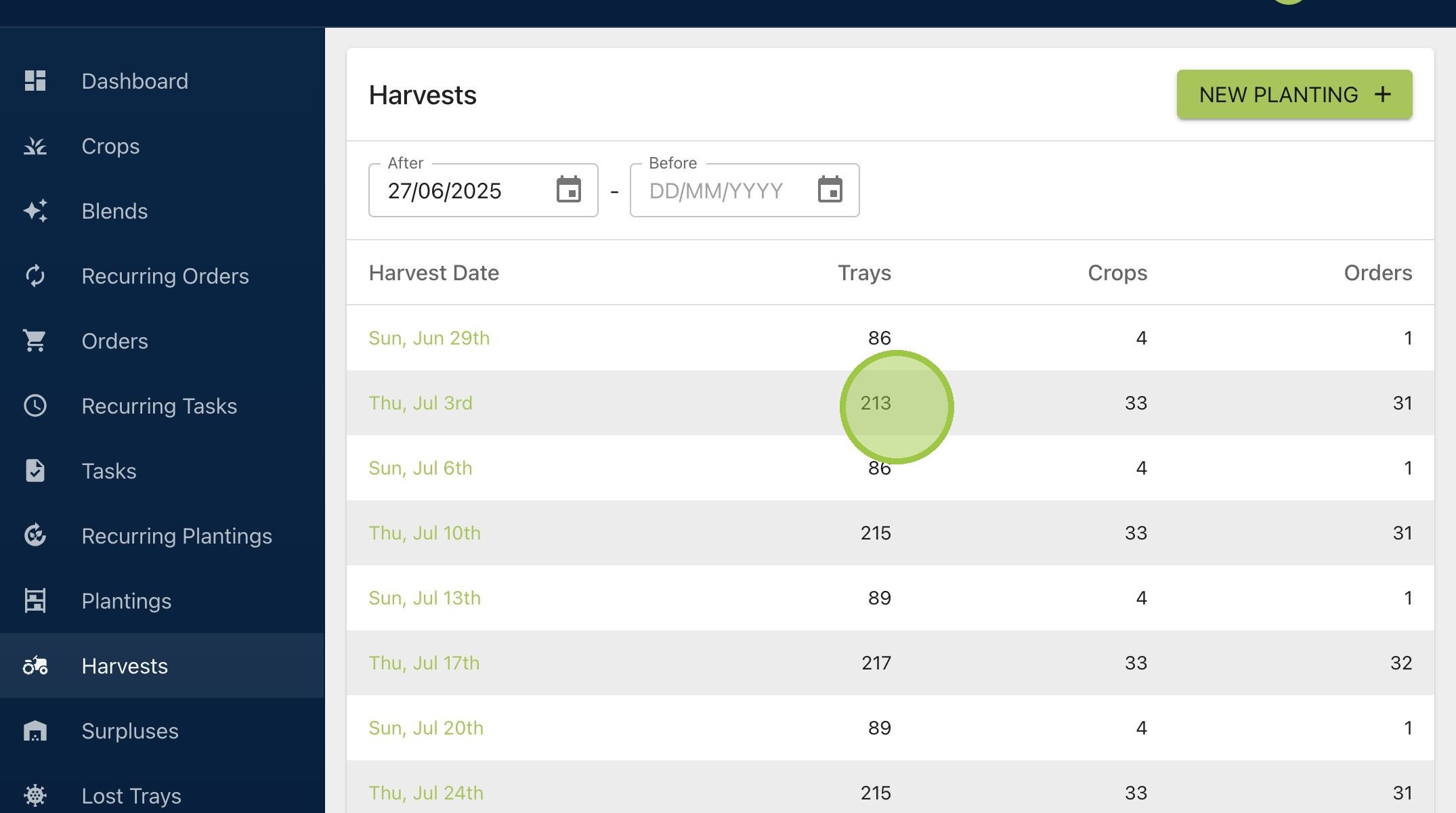
2. The harvest dashboard displays the number of trays, crops, and orders for each upcoming harvest. This is an easy way to see how long and involved the harvest could be
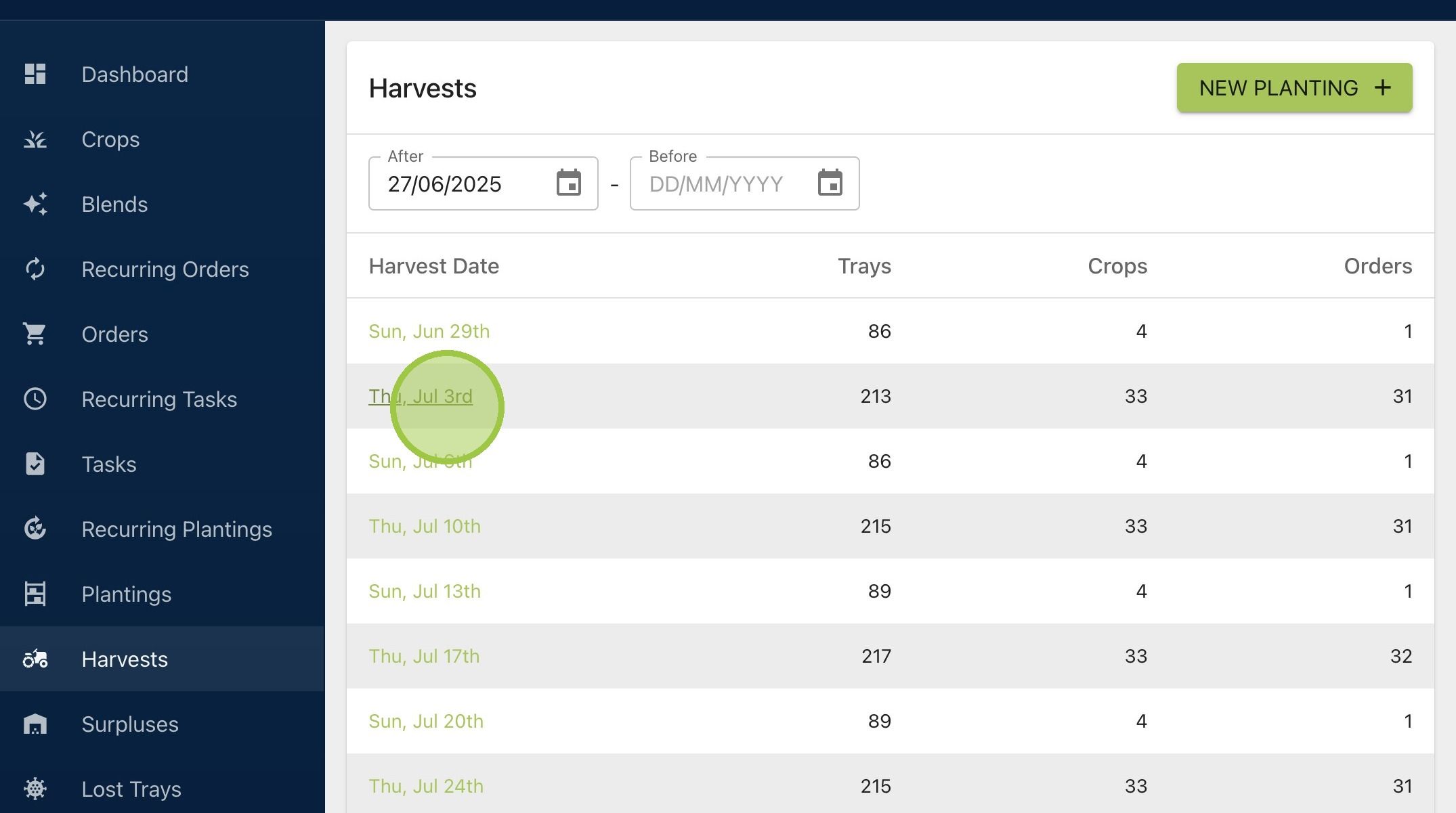
3. Click on any harvest date to see more
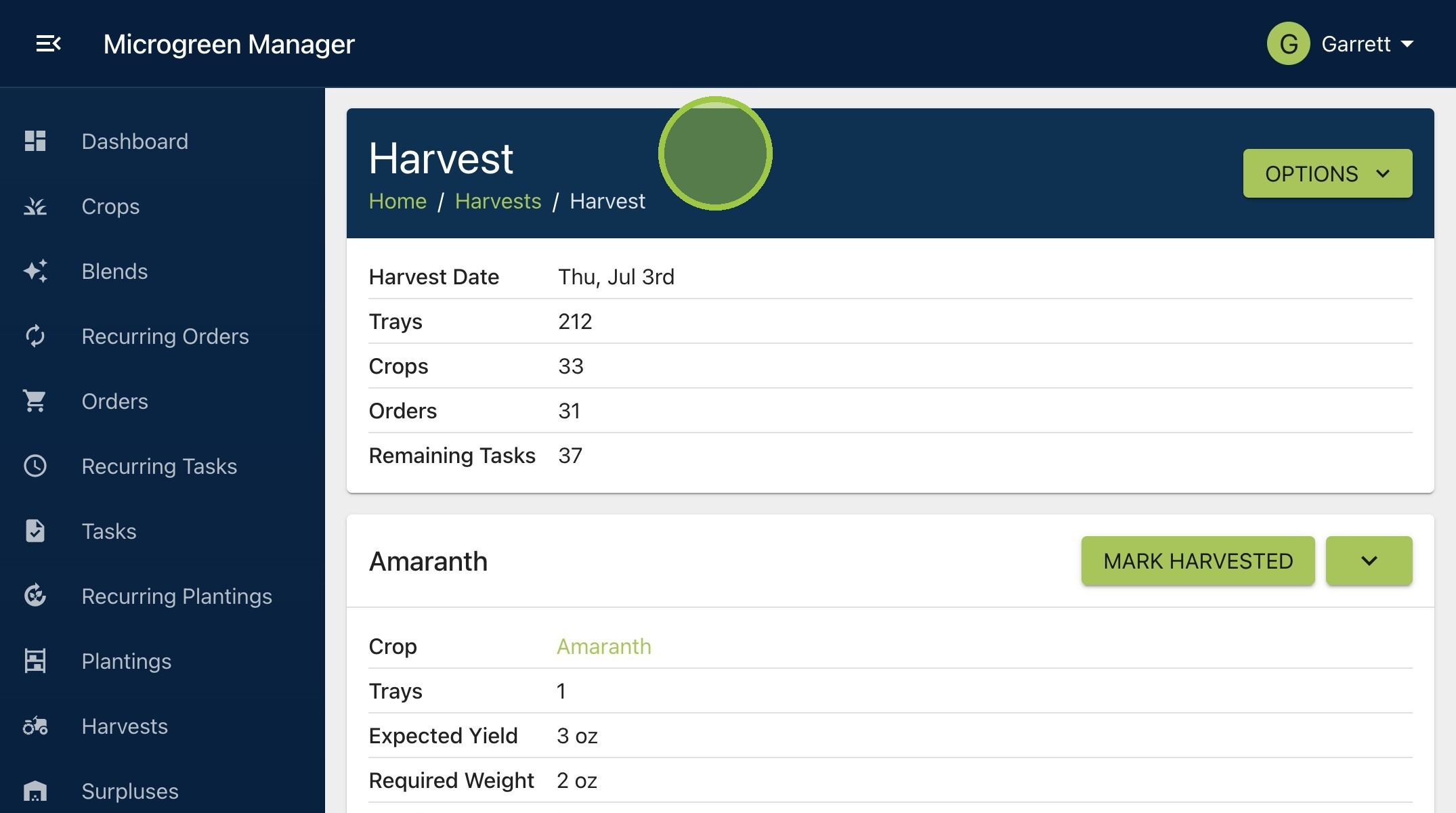
4. When you're inside a specific harvest page, you'll get tons of information about each crop. You'll see a pack list for each crop and blend, as well as an pack list for the whole harvest. We'll dive into more features of the harvest page in other guides