What If I Stop Harvesting Part Way Through Harvest Day?
This guide explains how to mark single crops or blends as harvested. You can also mark the entire harvest as complete. Marking crops as harvested helps you track progress. It also lets you take breaks without losing your place.

Written by Garrett Corwin
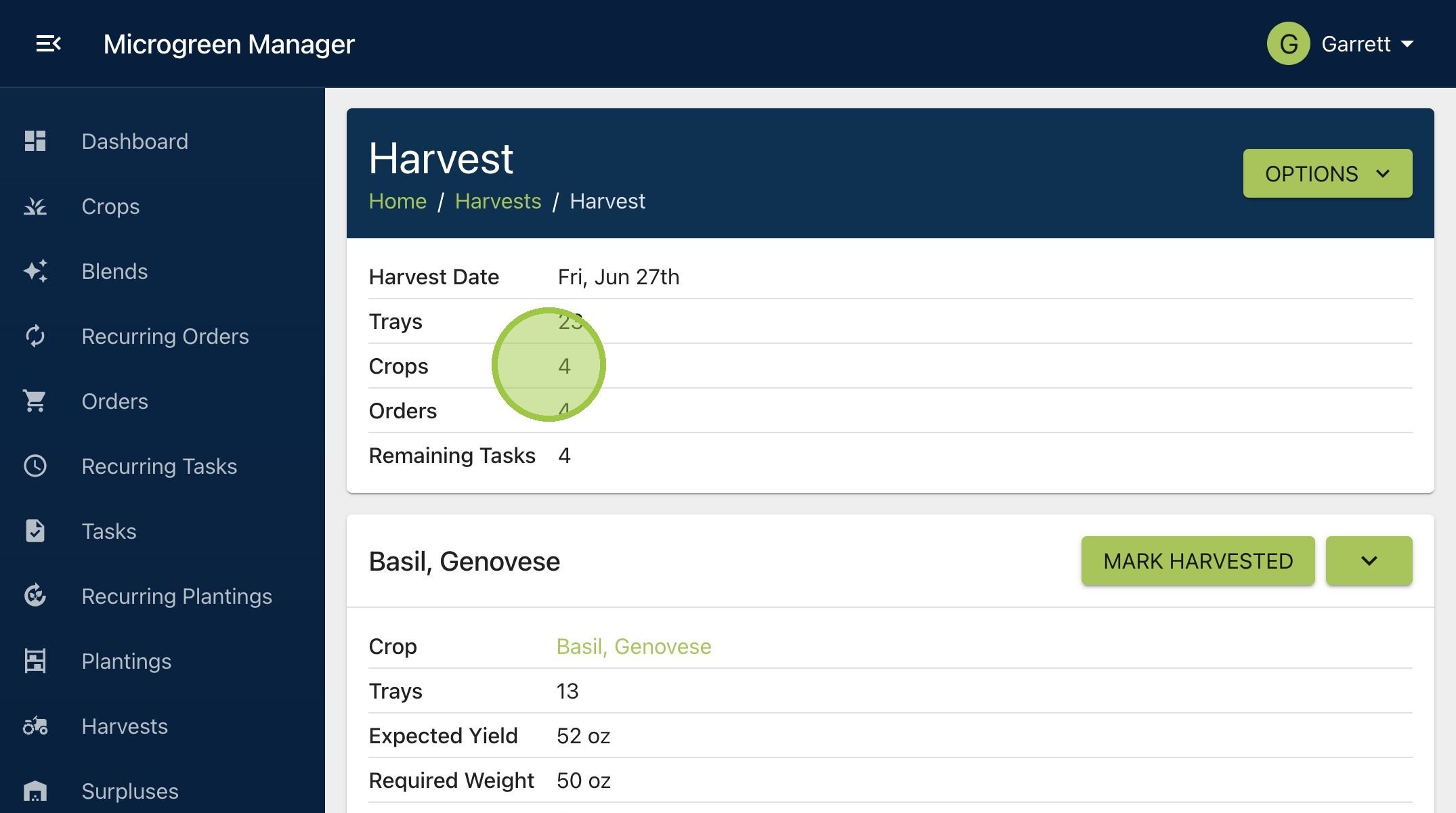
Last updated1. At the top of the harvest page, we can see there are four crops involved in this harvest
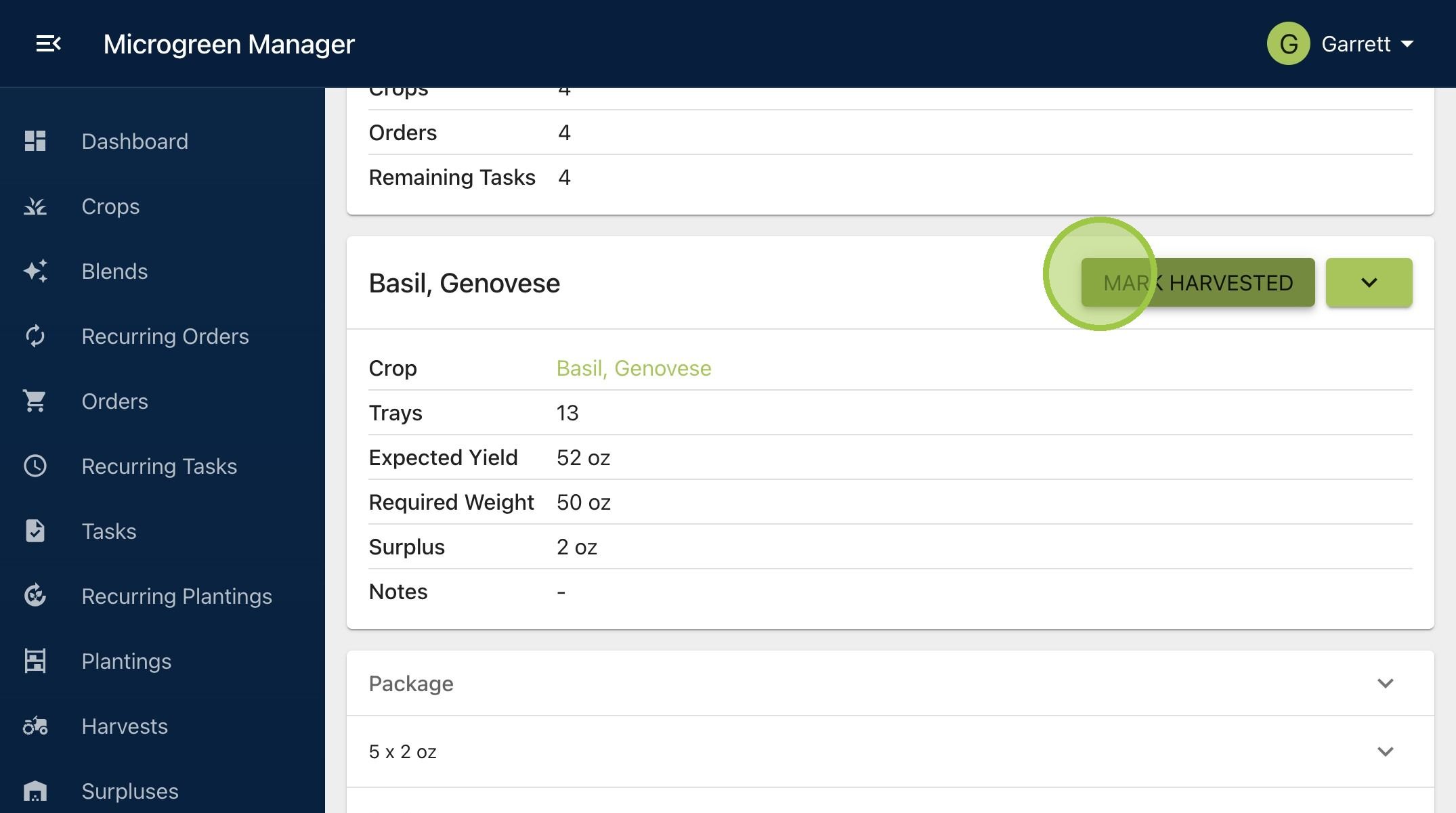
2. As you work your way through the harvest, you can mark each crop or blend as complete. Click "Mark Harvested"
3. The button will turn grey and read "Harvested." This feature helps you track what’s done. You can switch between crops easily and remember what’s left to harvest

4. You can also mark the whole harvest as complete. Click "Options" then "Mark All as Harvested"
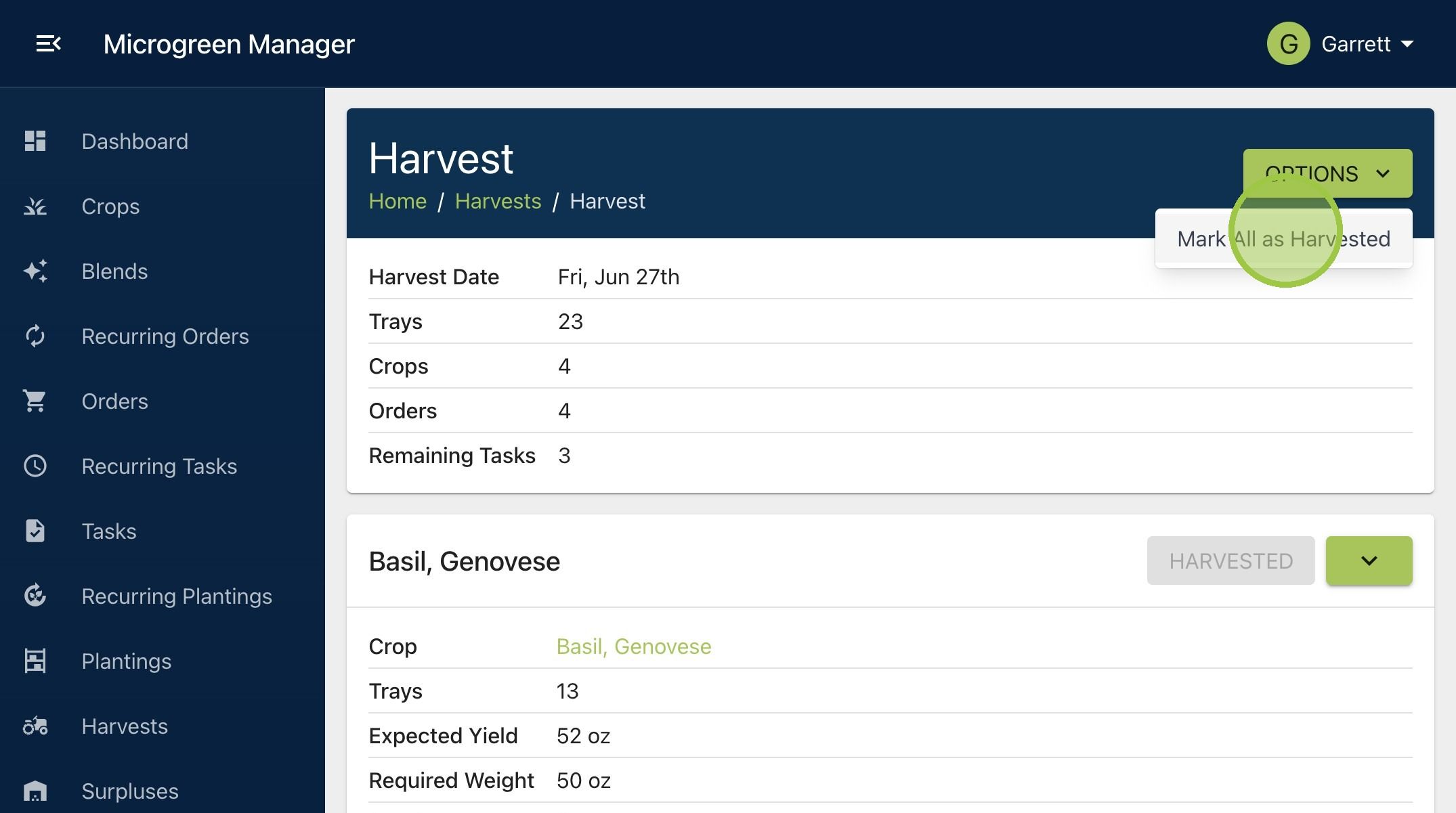
5. The button will disappear after clicking
