How to Use the Crop Grow Timeline Calculator
The grow timeline calculator helps you quickly see when grow steps will occur based on a selected start date or delivery date.

Written by Garrett Corwin
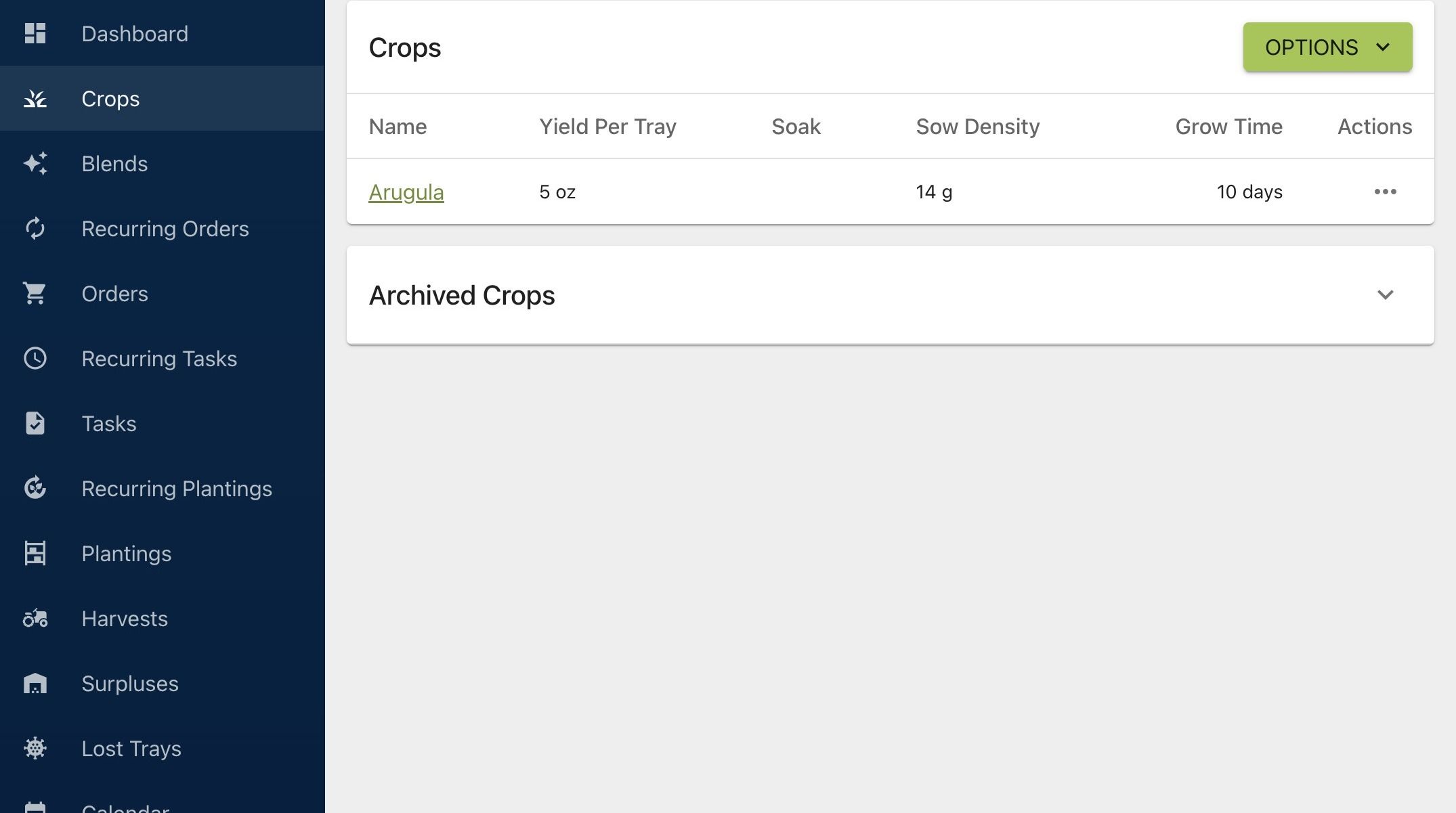
Last updated1. Navigate to https://microgreenmanager.com/crops
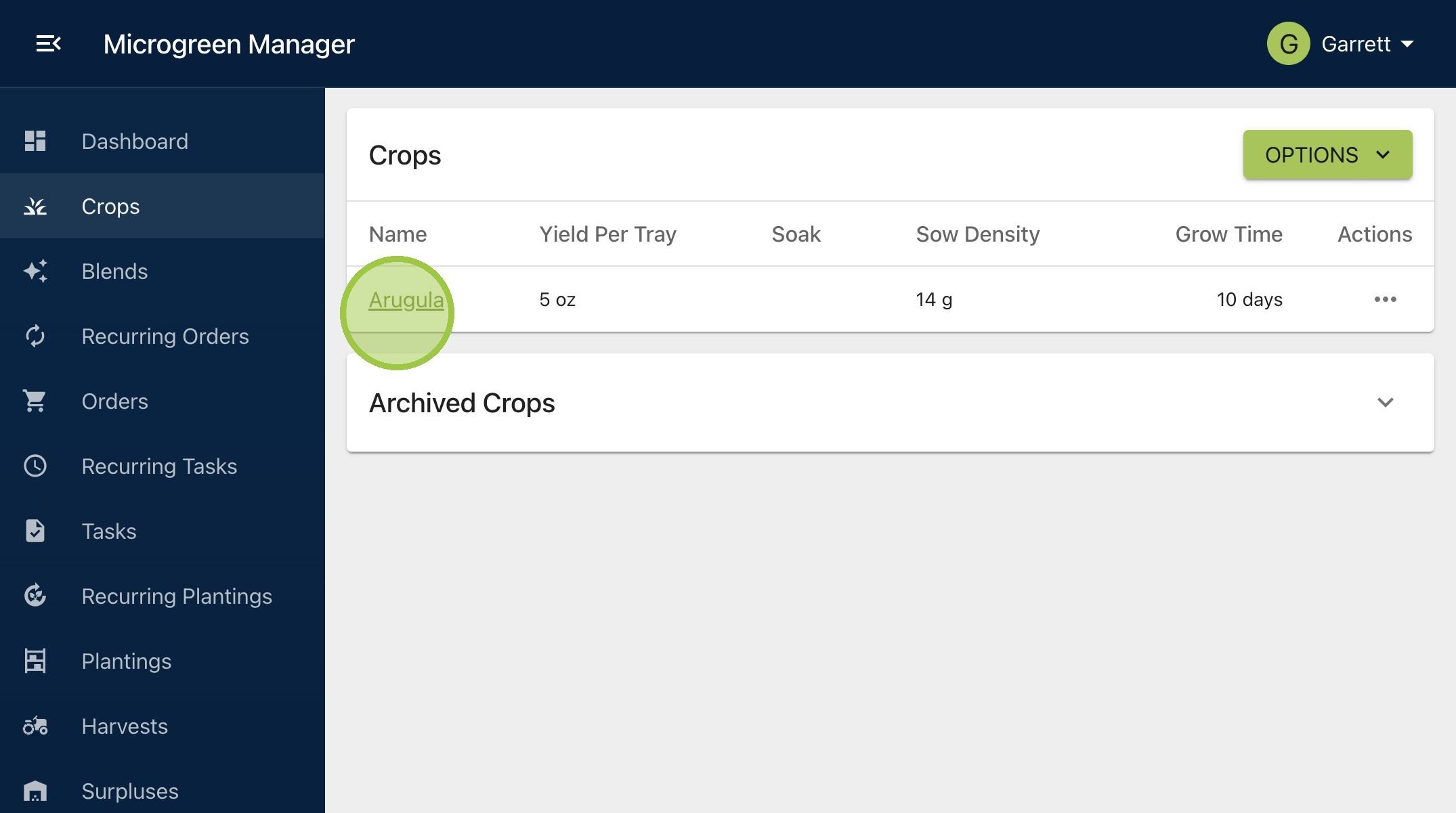
2. Select a crop
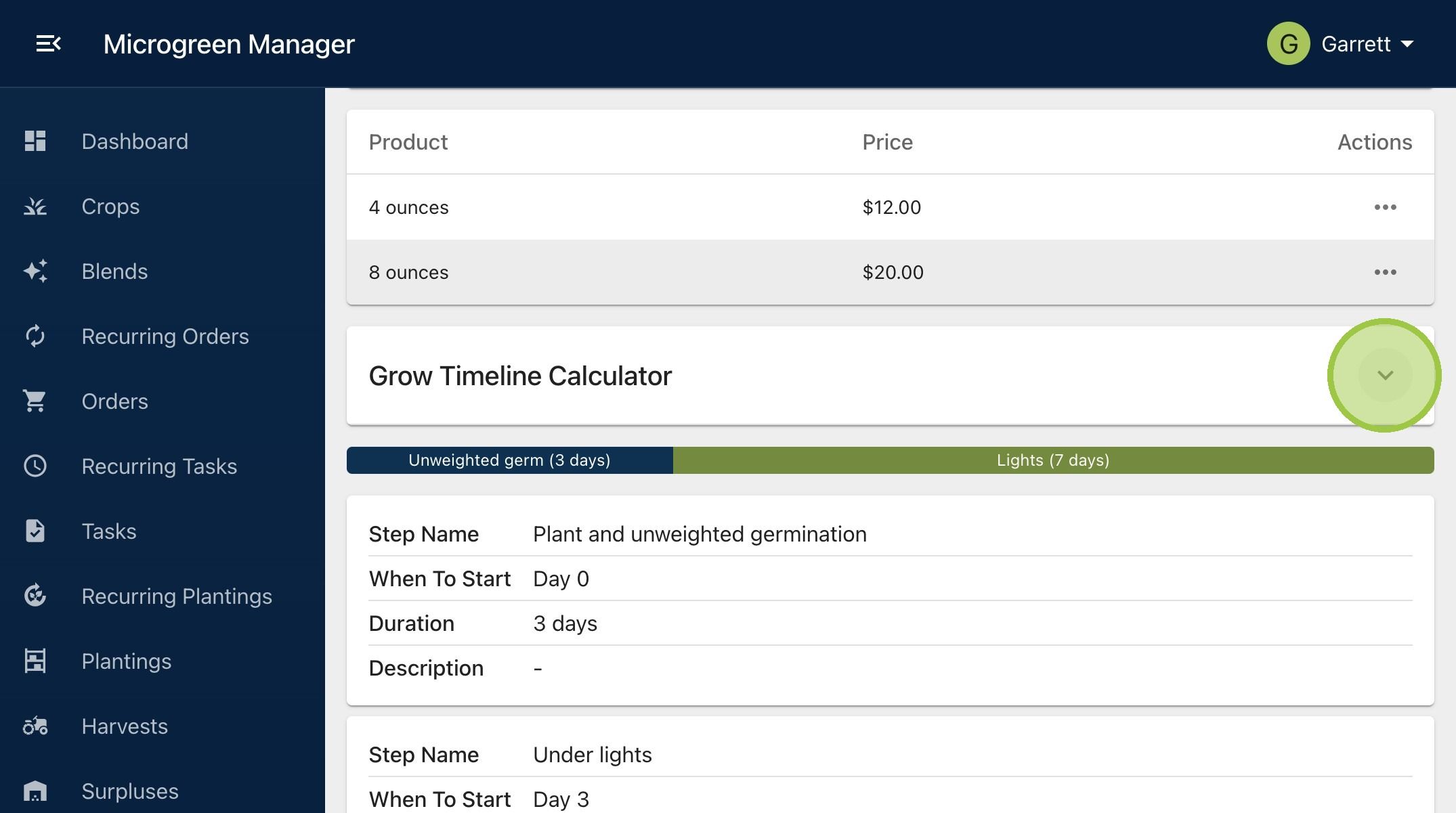
3. Open the Grow Timeline Calculator
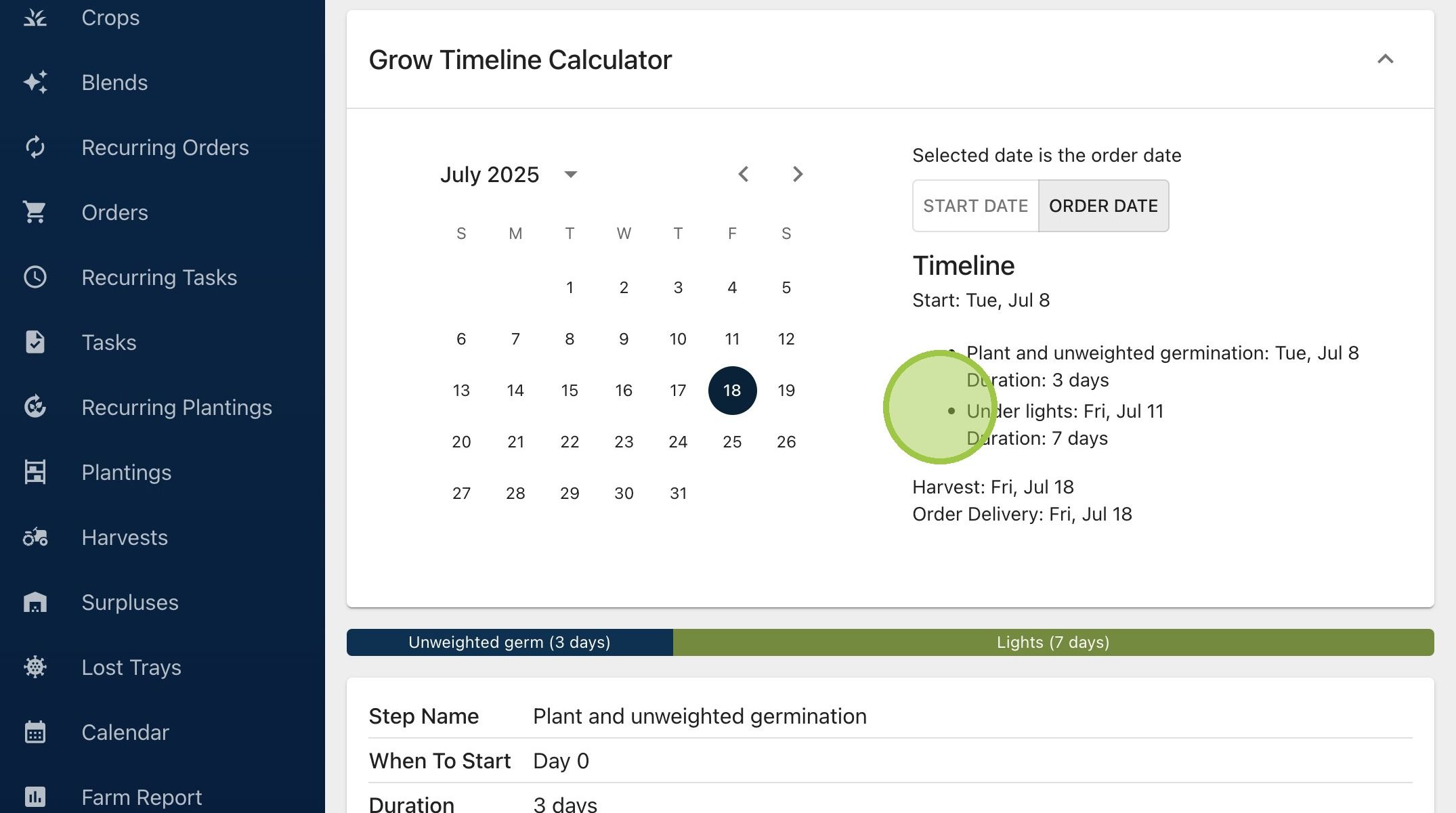
4. Select "Start Date" if you want to see when the grow steps occur based on the selected start date. Select "Order Date" if you want to see when the grow steps occur based on the selected delivery date
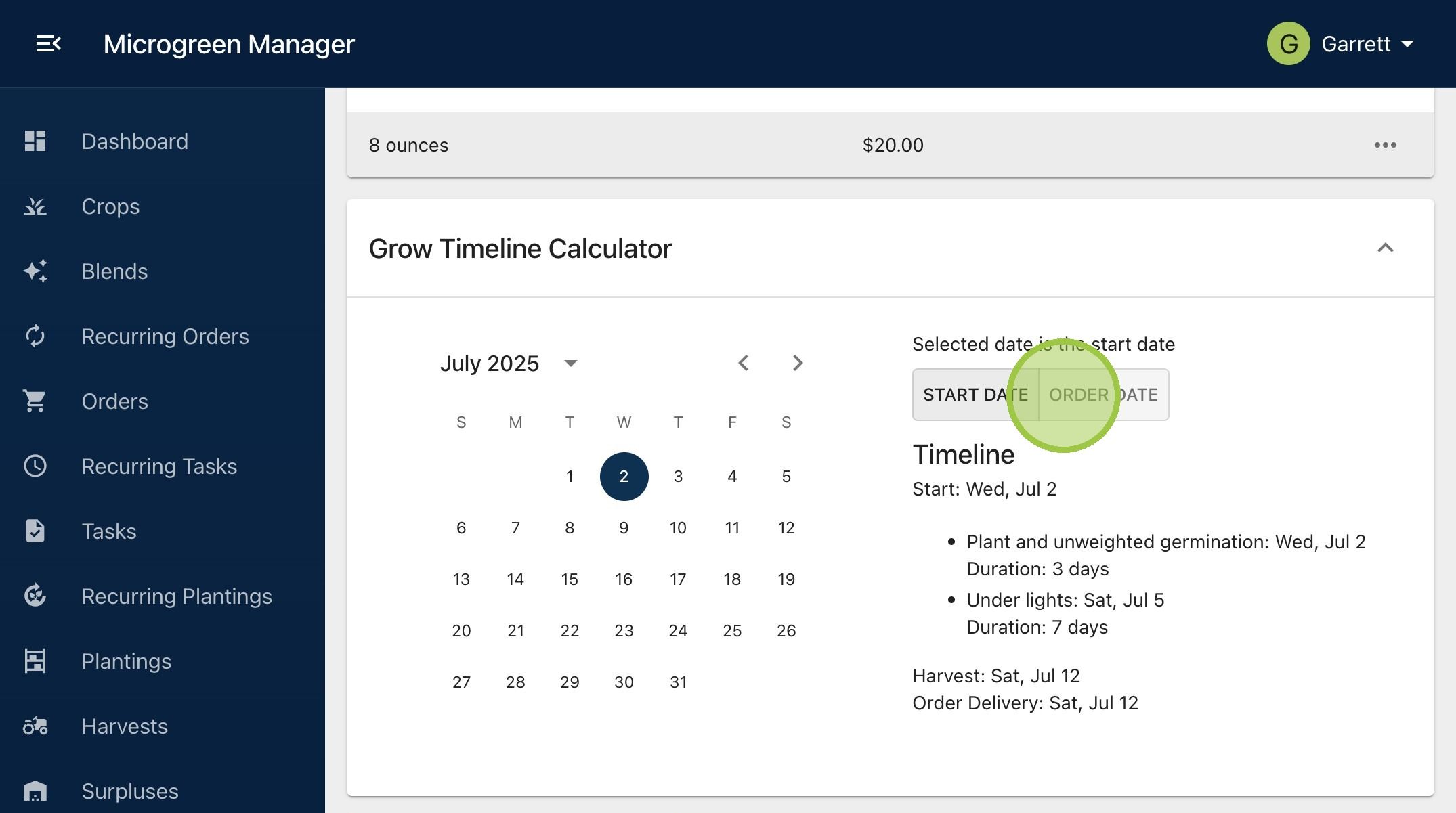
5. Select a date on the calendar
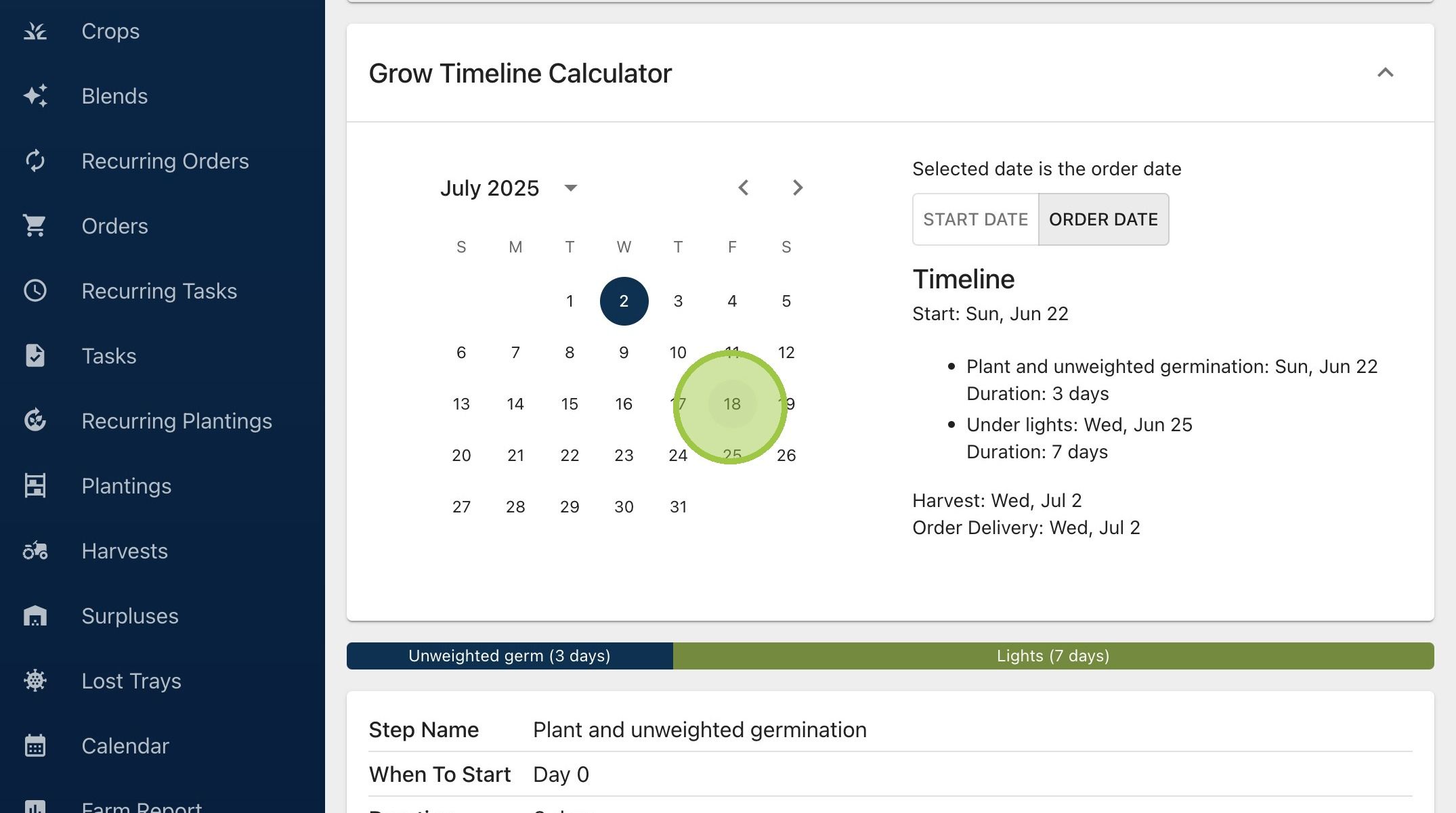
6. See how the selected date impacts the date of each grow step