What are Crop Steps? How to Edit Grow Steps
Describes crop steps and how they break the grow cycle into actionable tasks. Editing steps lets you customize workflows to match your farm.

Written by Garrett Corwin
Last updatedCrop steps are the different stages of a crop's growth. For example, a crop could have steps for soaking, planting, germination, and harvesting. Microgreen Manager will use the crop's steps to create tasks. Every crop must have at least a planting step and a harvest step.
When you edit a crop's grow time or steps, Microgreen Manager will automatically update all the plantings and tasks associated with that crop that haven't been started yet (Status = "Planned"). It will re-calculate and update the tasks needed for each planting based on the new grow time and steps.
When creating a new crop, you can enter the grow time and steps. Grow time is a required field. If you don’t add any grow steps, Microgreen Manager will create two steps by default. One for “Plant” at day 0 and one for “Harvest” at a time equal to the total grow time
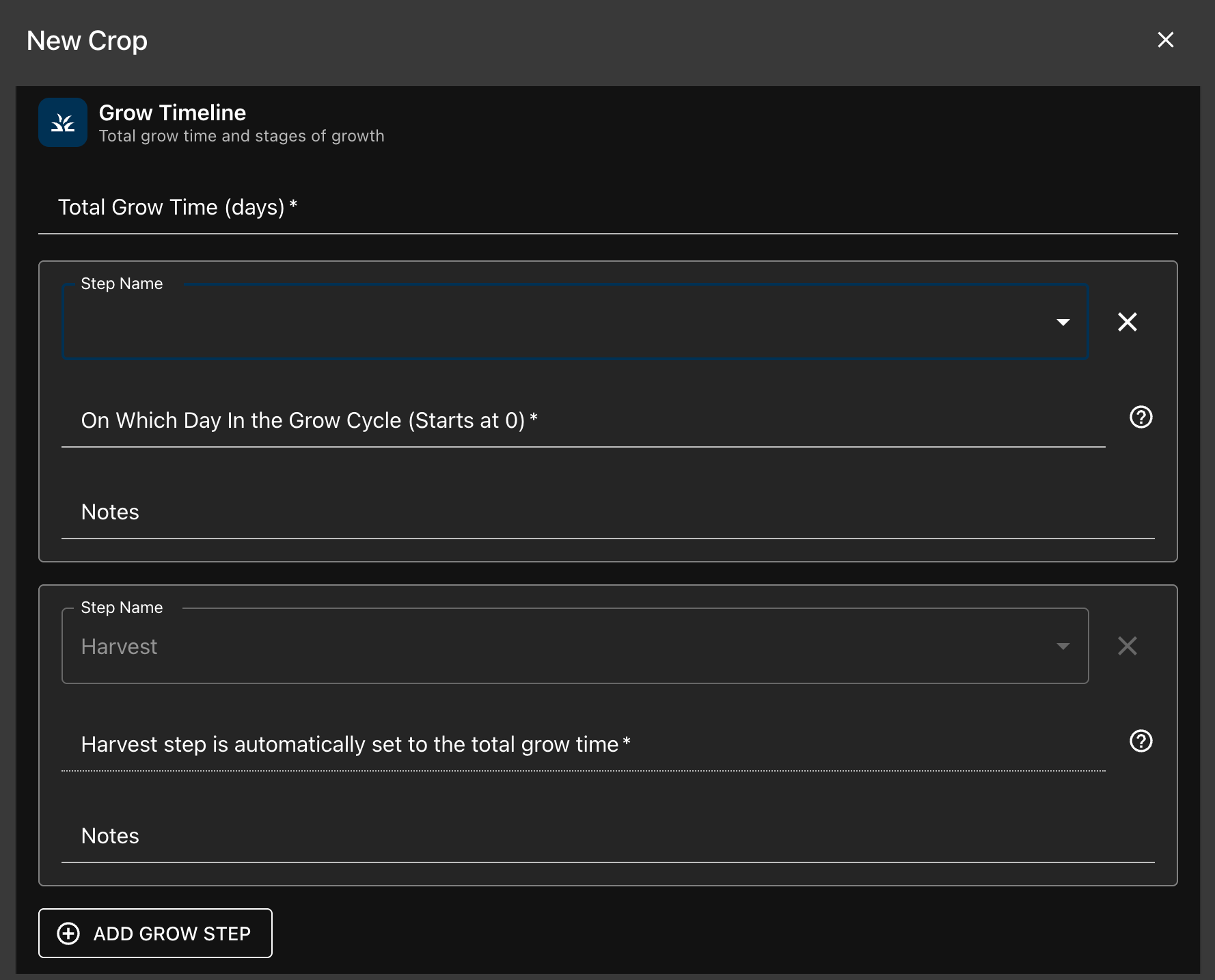
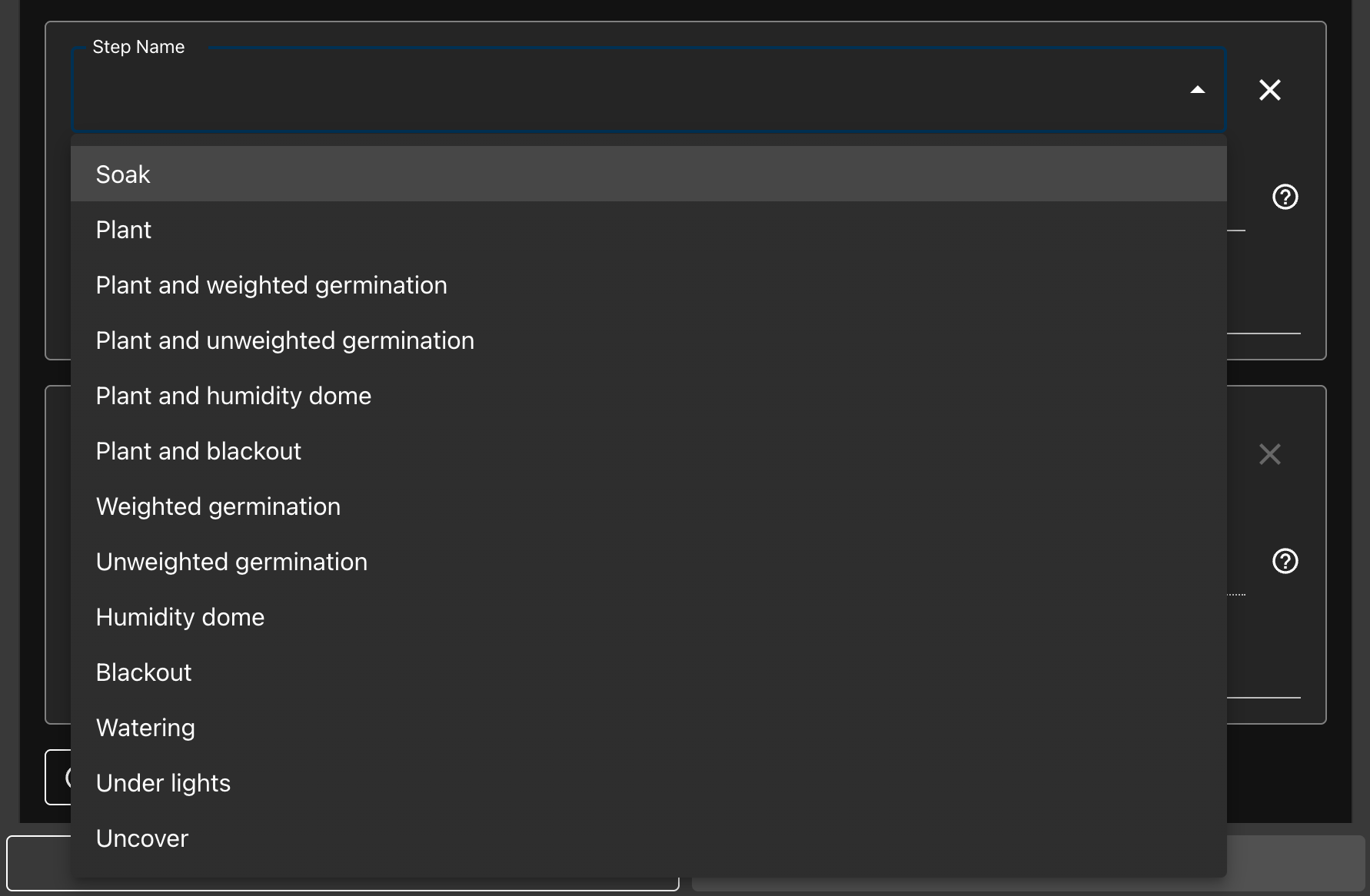
You can choose from any of the 13 predefined crop steps when creating or editing you crops
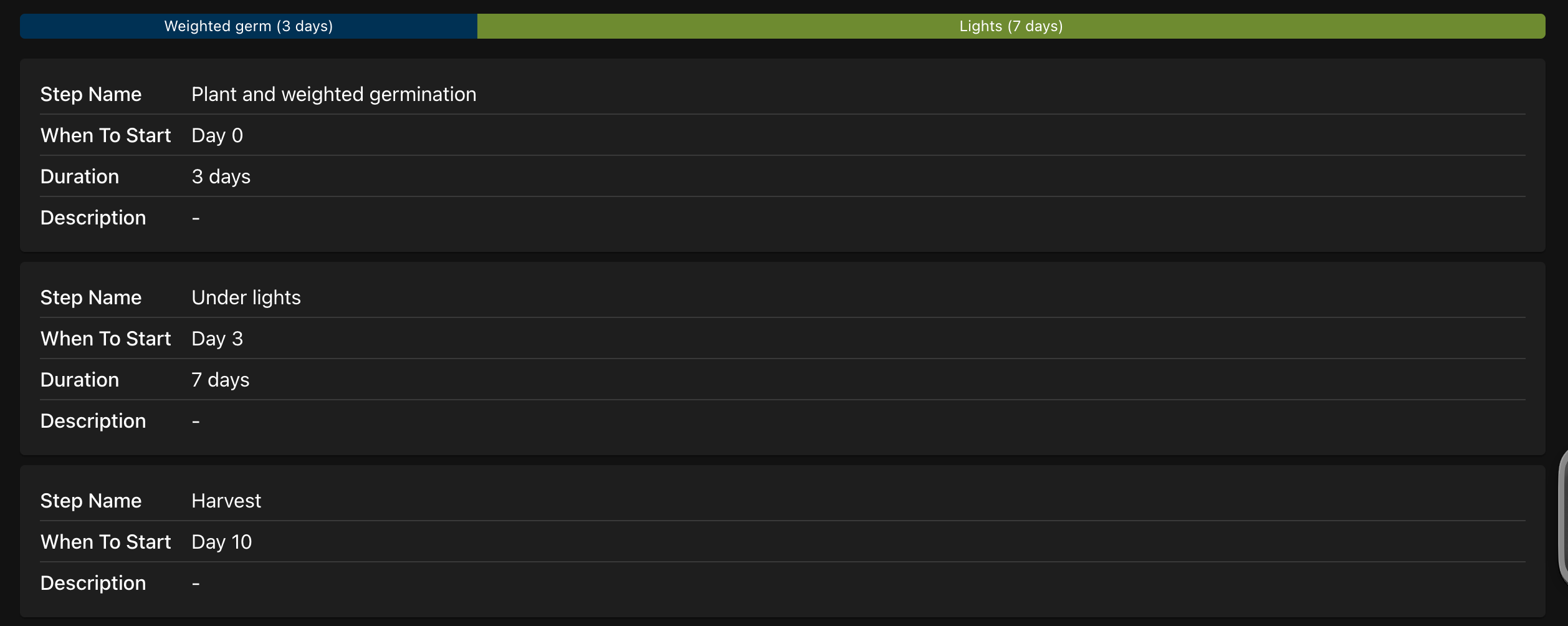
After submitting a new crop or edits, your crop profile will show a grow timeline. You’ll also see each step name, as well as it’s start time and duration