How to Pause, Clone, & Delete Recurring Tasks
Pausing, cloning, and deleting recurring tasks is much simpler than with recurring orders. There are fewer variables and dependencies, which means the outcomes are much easier to understand.

Written by Garrett Corwin
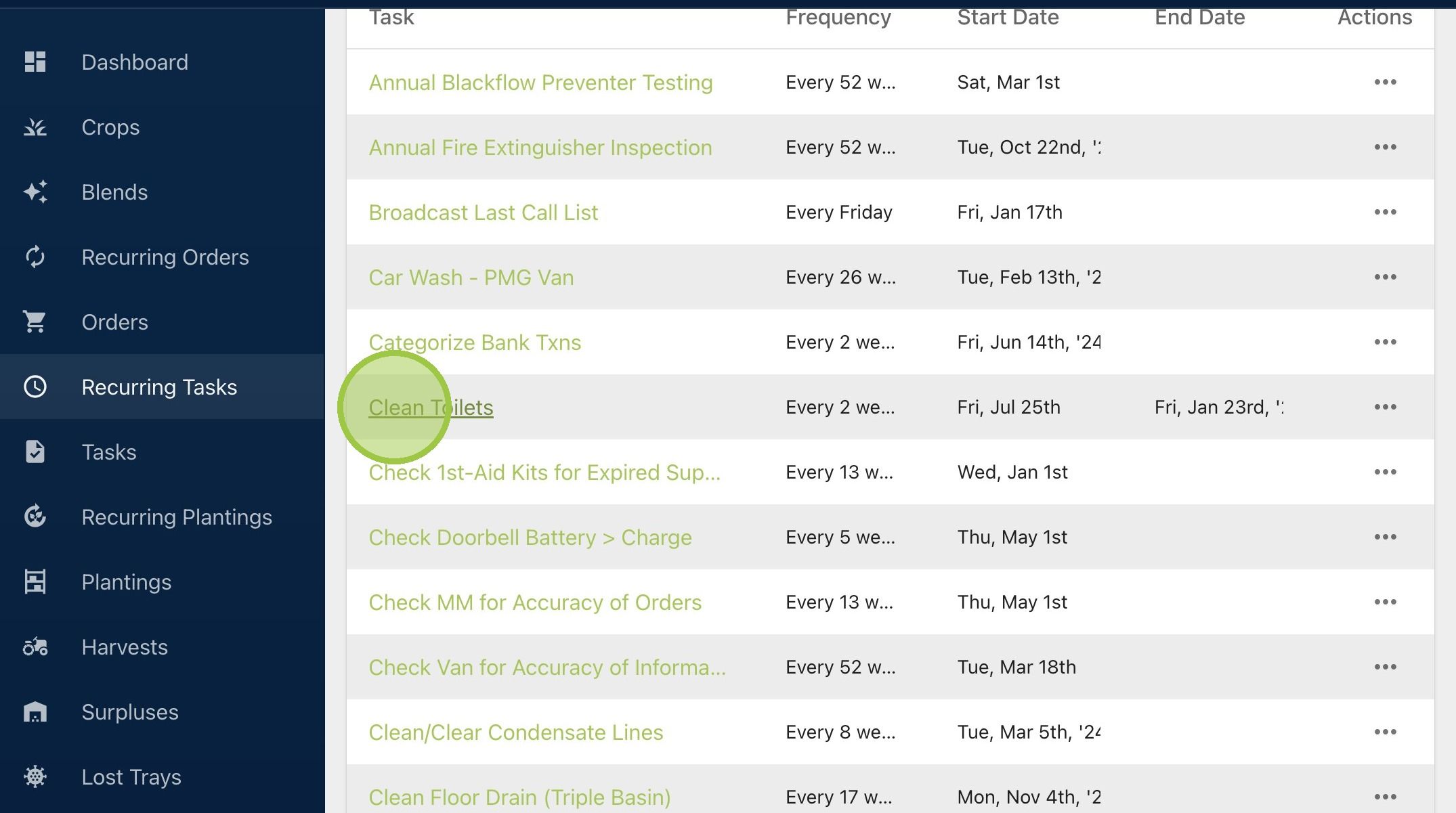
Last updated1. Navigate to the recurring tasks page and select the name of a recurring task
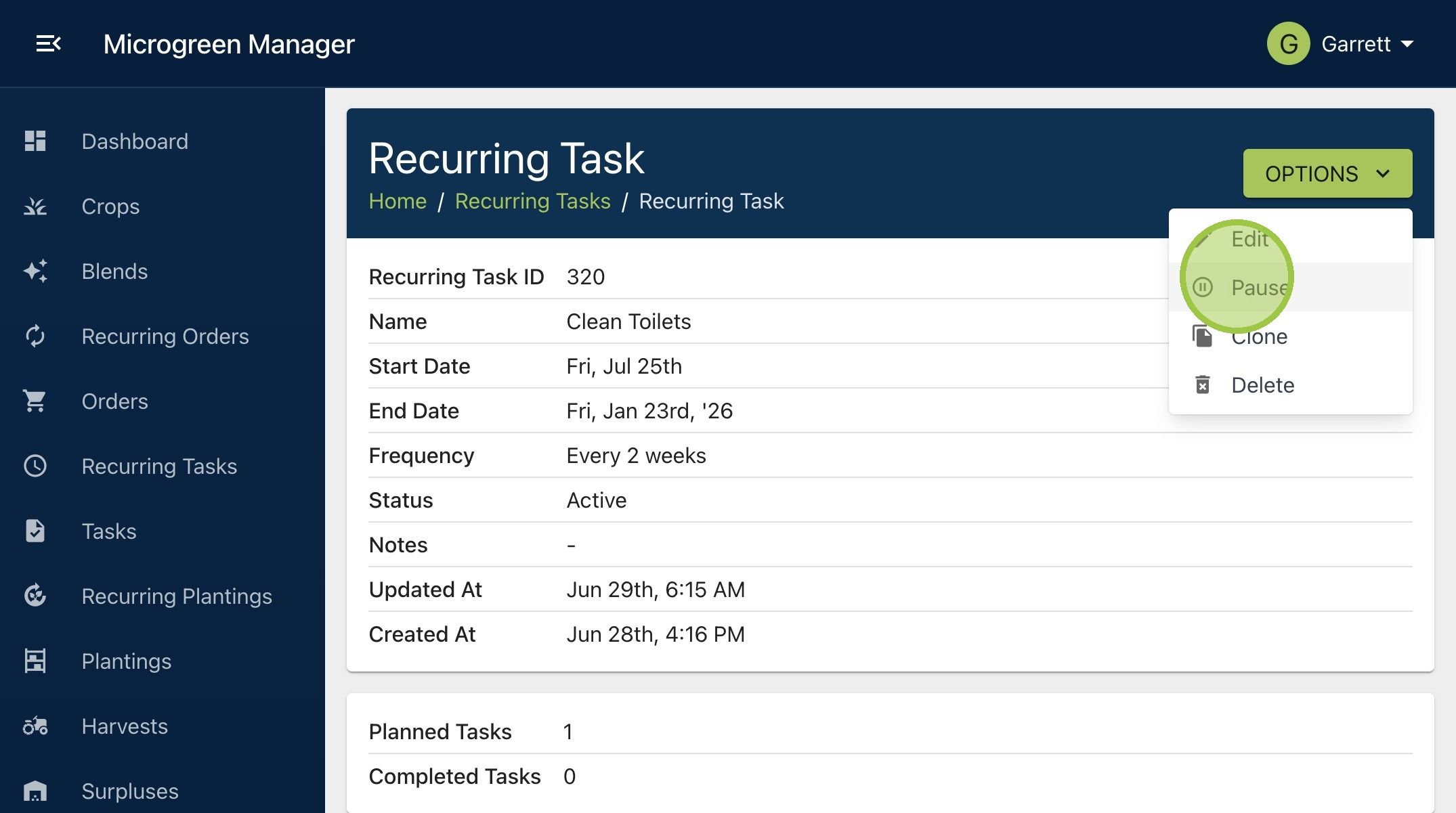
2. To pause a recurring task, click "Options" then "Pause"
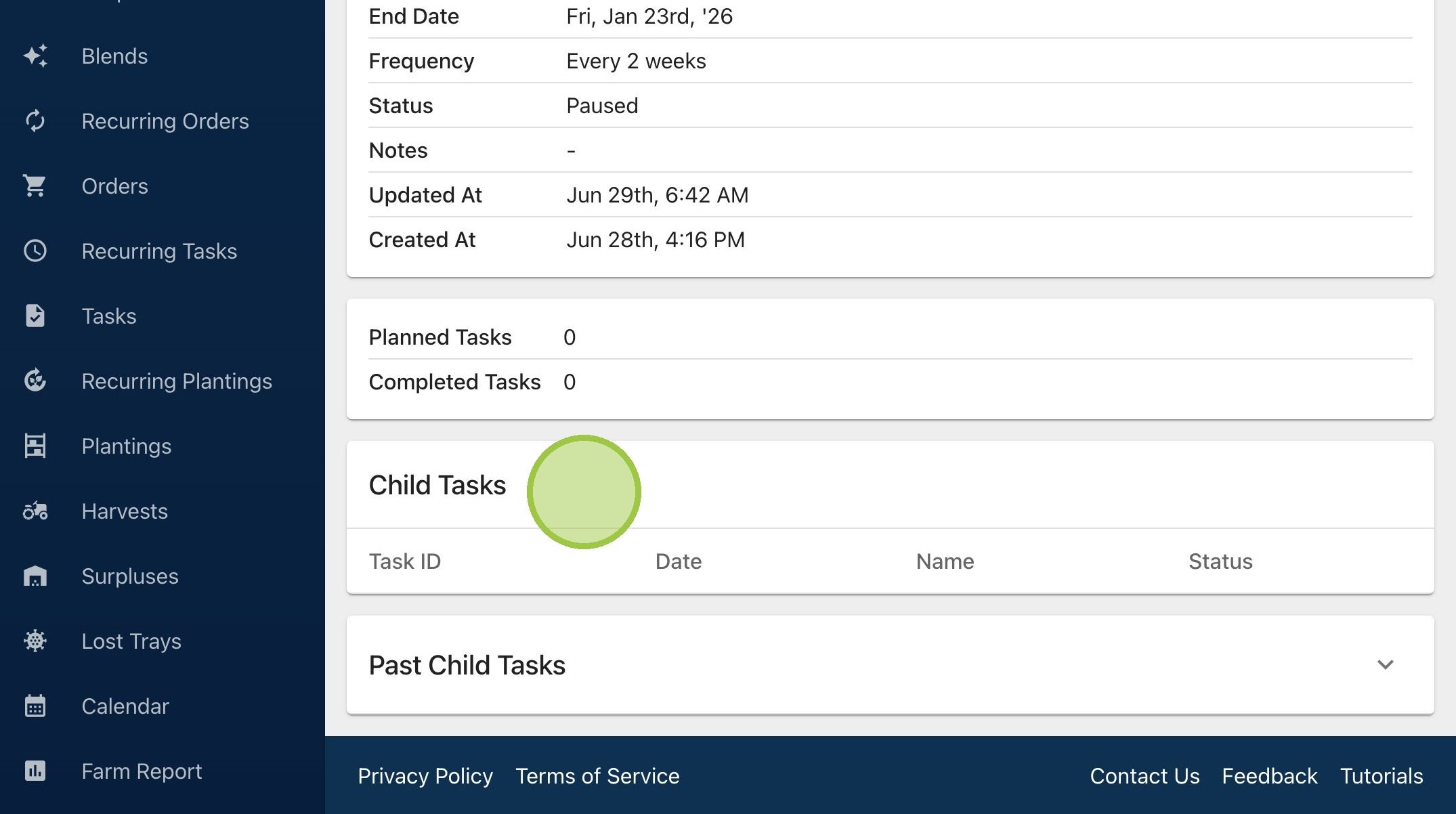
3. Since there are no dependencies with recurring tasks, there won't be a popup when you decide to pause. You won't be asked any follow up questions. As we can see the planned child tasks will simply go away. You can always unpause a recurring task in the future
4. Cloning is a fast way to create a new recurring task with similar conditions. Click "Options" then "Clone"
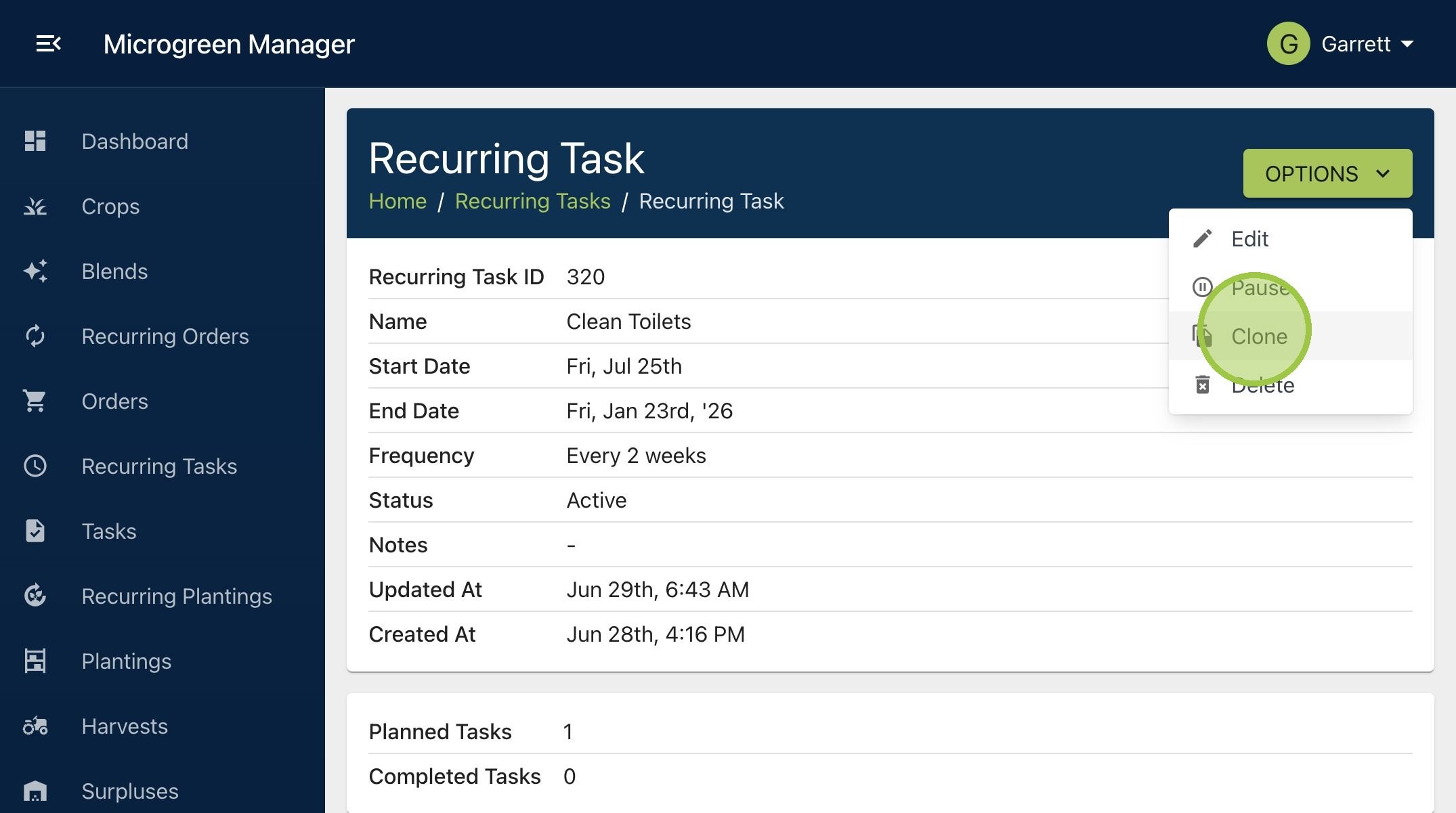
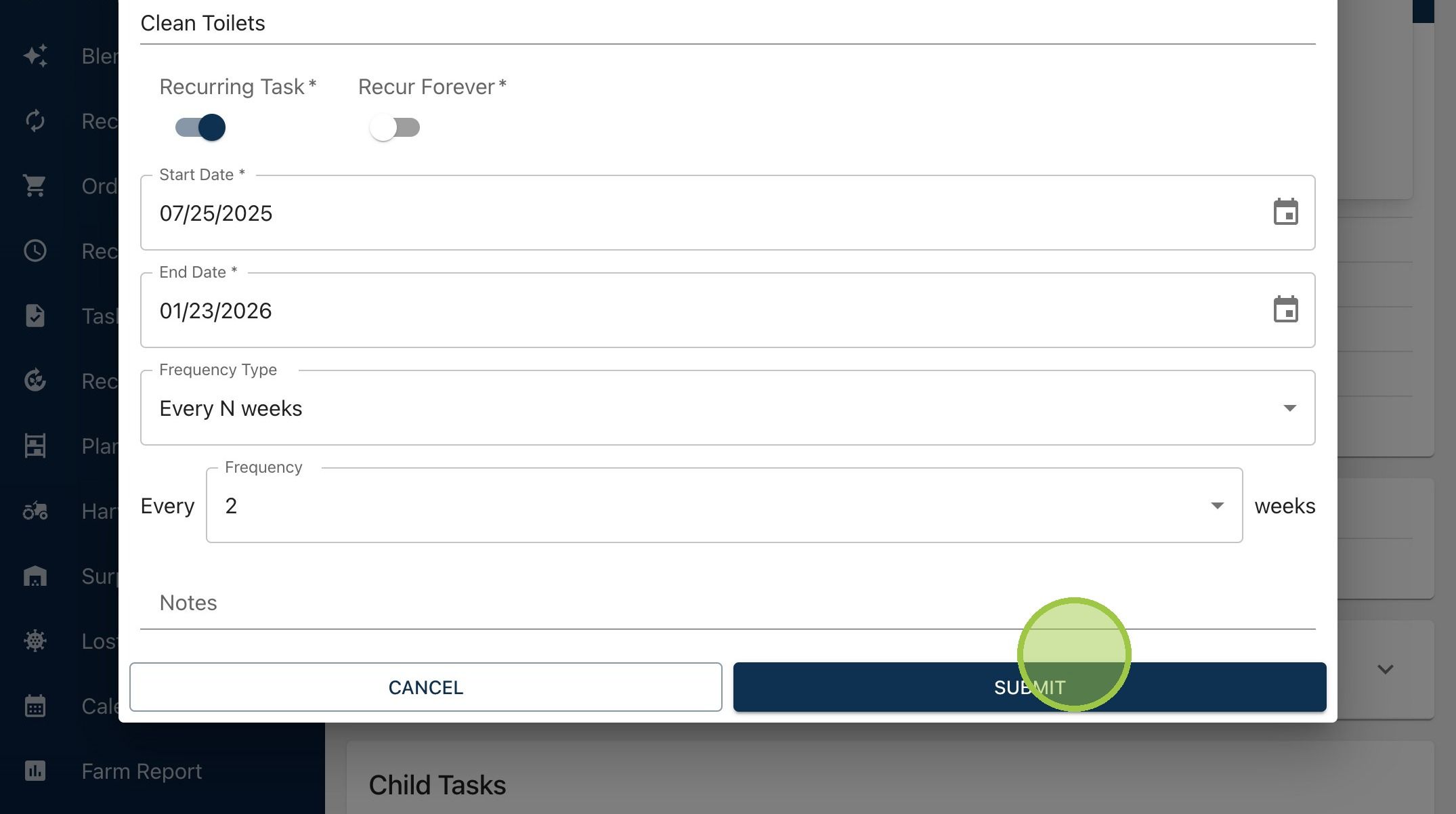
5. You will see a form appear. It will have the same name and information as the recurring task you’re duplicating. Make any desired changes to the copy you're about to make, and then click "Submit"
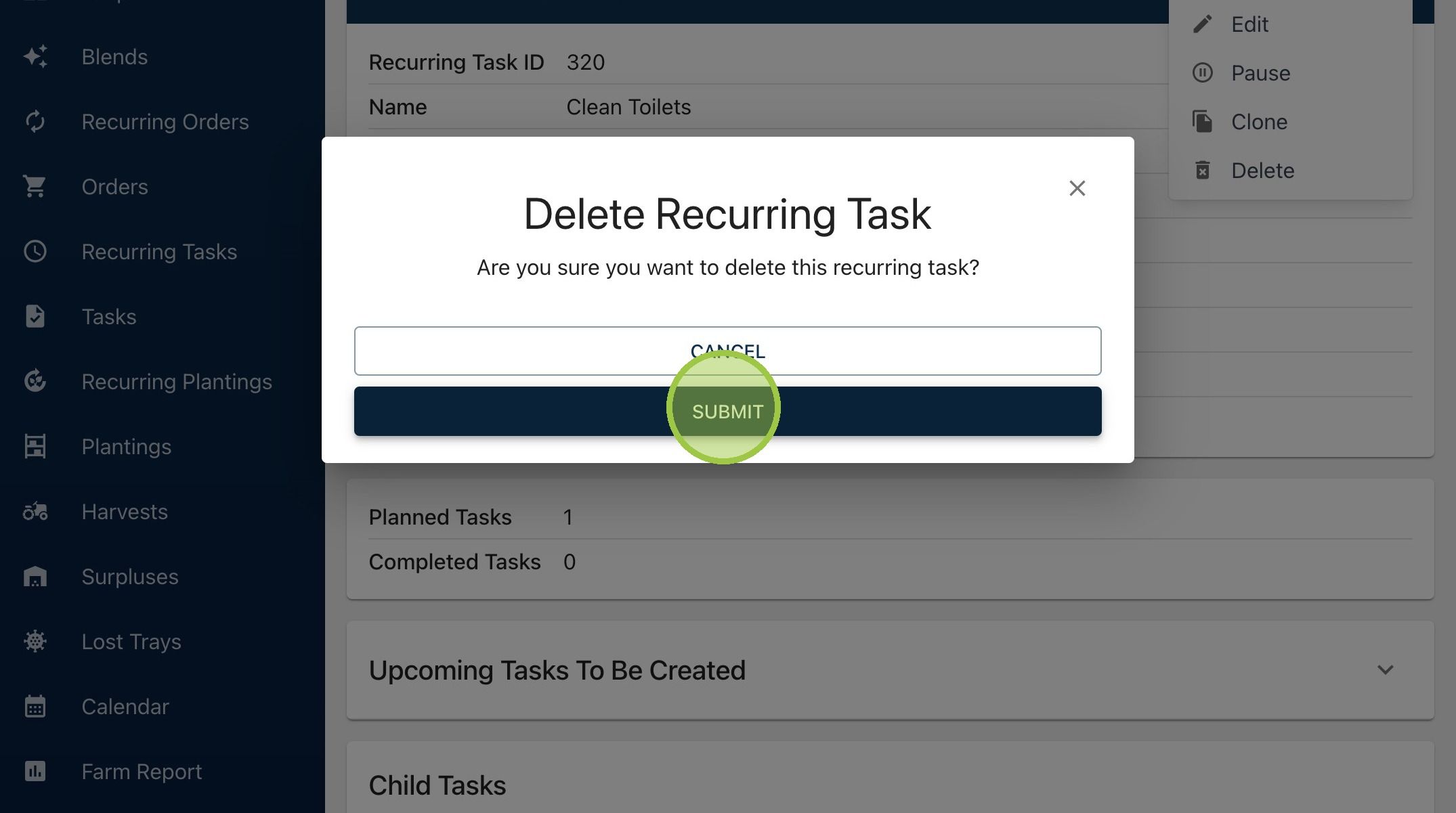
6. If you want to delete a recurring tasks and its child tasks, click "Options" then "Delete"
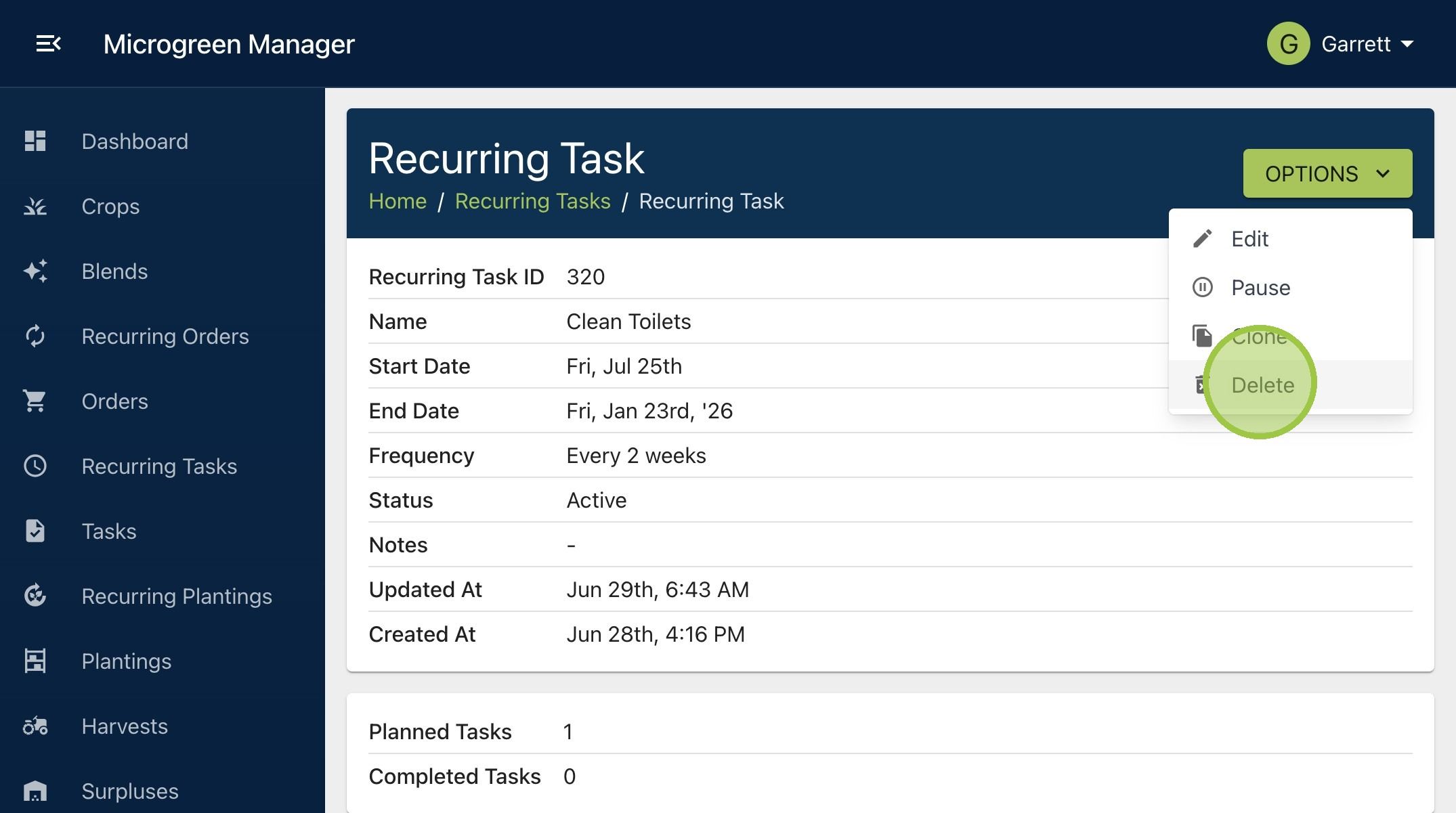
7. You'll see a form asking you to confirm the decision. Click "Submit"