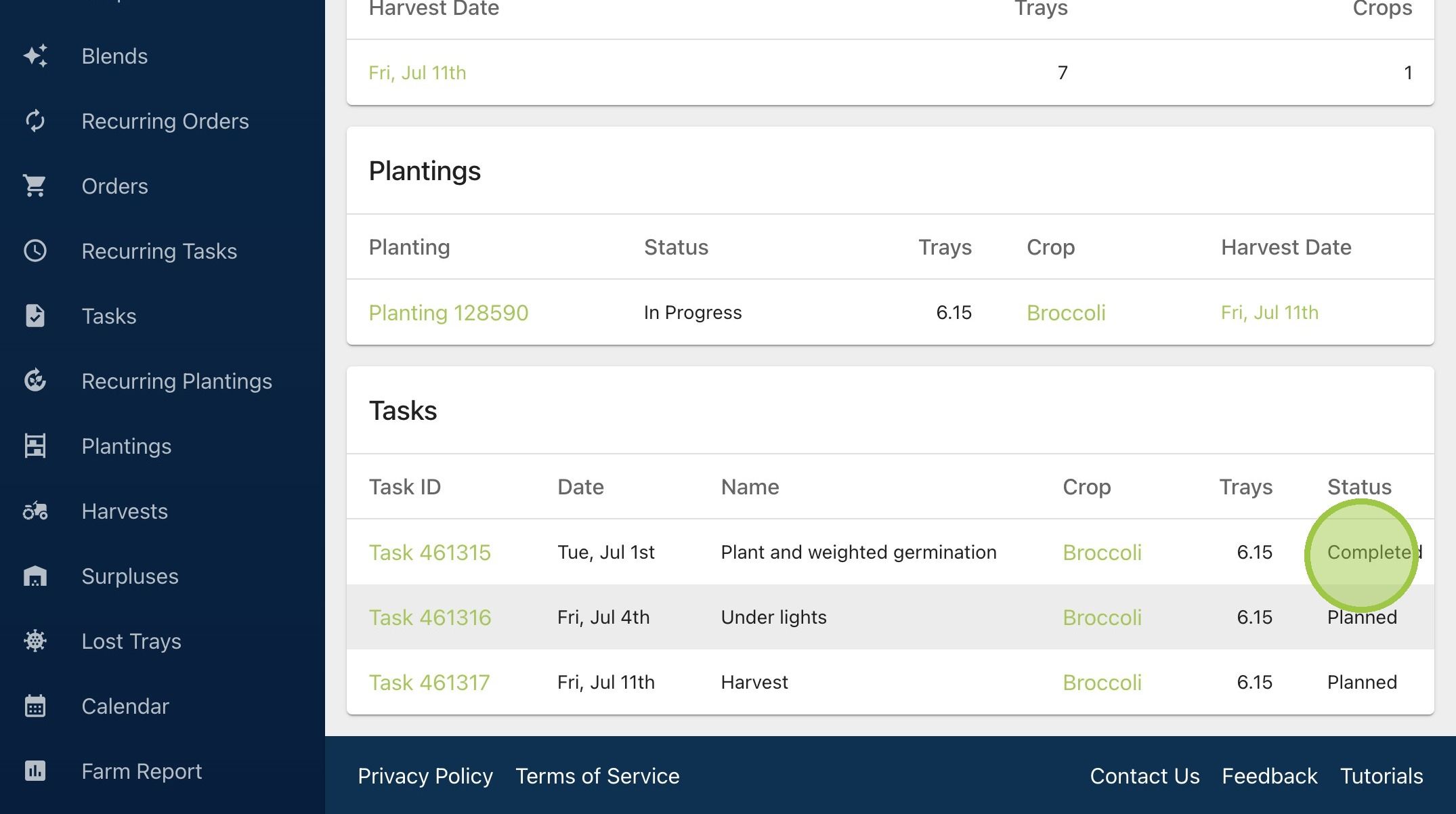
What is Task “Status”?
A task can have a status of either "Planned" or "Completed".

Written by Garrett Corwin
Last updated1. All tasks have a "Status." The status can either be "Planned" or "Completed." A task is "Planned" when it's been created, but not yet started
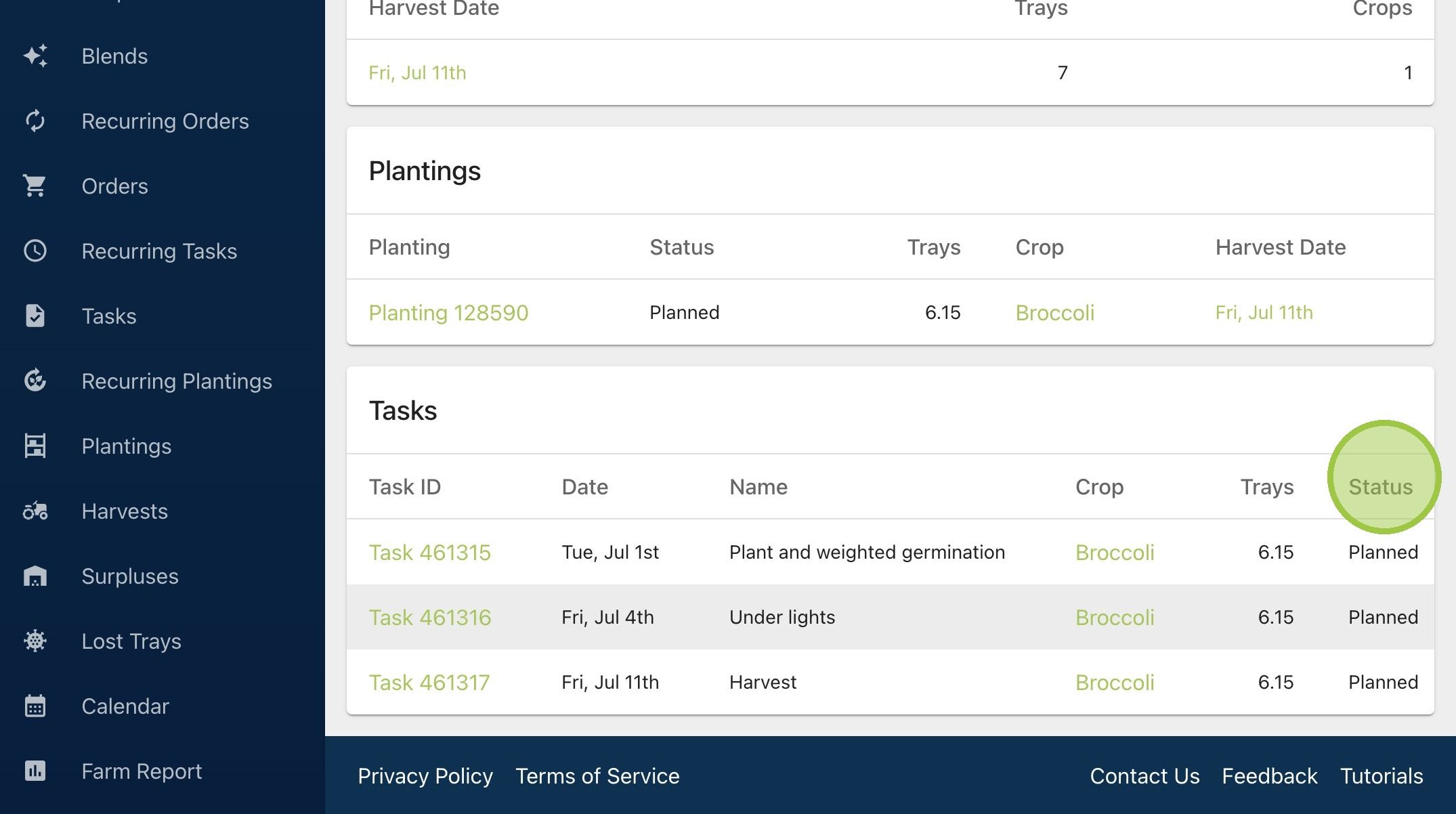
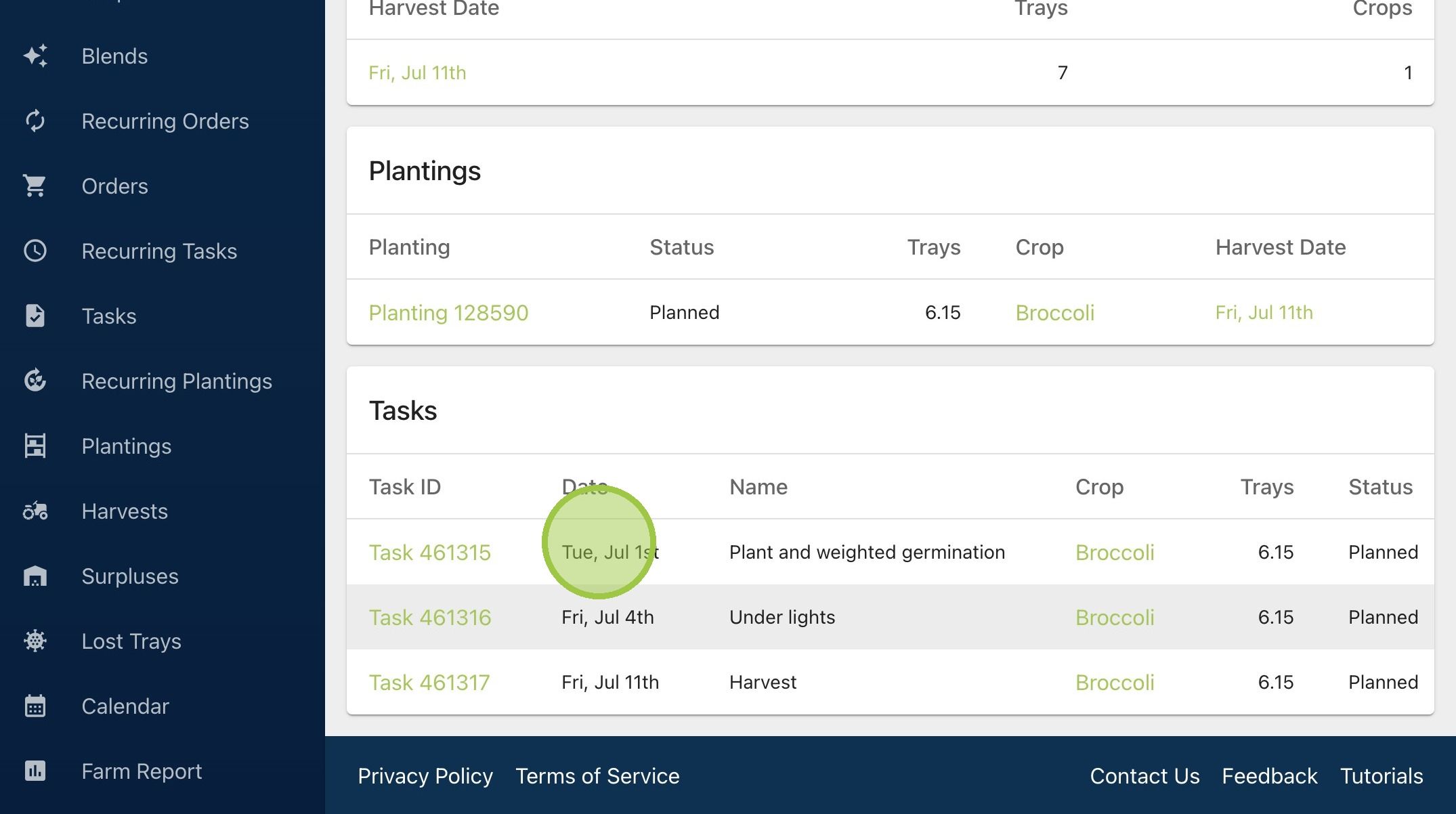
2. Every task has a scheduled date. You can complete a planned task before its scheduled date, if desired. If you don't complete a task until after its scheduled date, it will appear as "Overdue." However, the task will still have a status of "Planned." To learn more about overdue tasks, see our guide titled "How Can I Easily See Overdue Tasks?"
3. Once you mark a task as complete, the status will change to "Completed"